
Addons Status In The JS Help Desk!
Addons Status
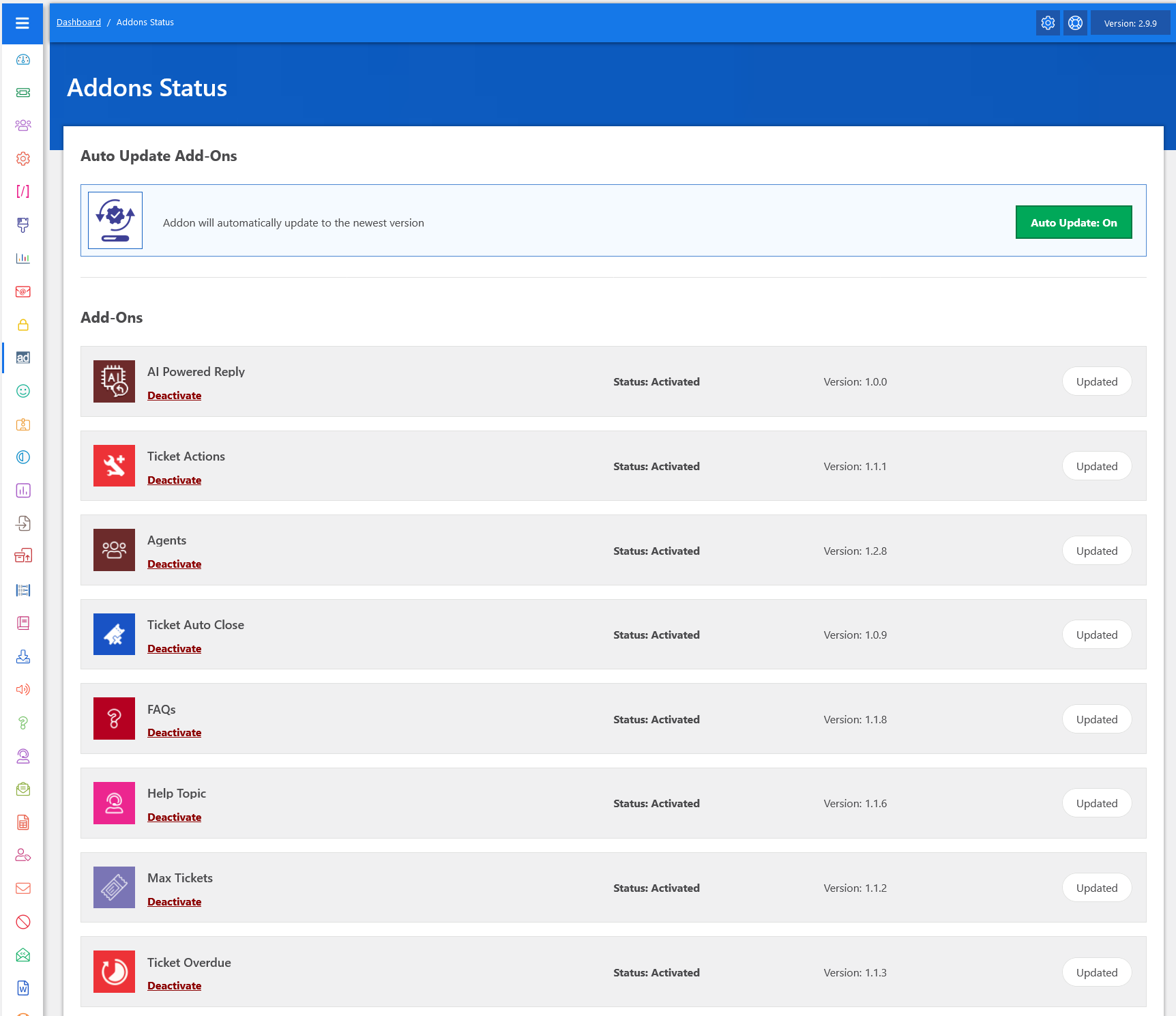
From your admin dashboard, navigate to the Admin Dashboard > Dashboard Menu > Addons Status. On the addons status page, you will find various options that the admin can use to manage the addons status. It displays a list of add-ons. Each addon has a logo, name, addon status (e.g., “Status: Active, Deactivate”), and addon version.
The Addons Status feature in JS Help Desk allows you to easily monitor, manage, and control all the extra functionalities that you have activated for your help desk system. Instead of having to check each addon individually, this section provides you with a central view of which addons are active, which versions they are running, and whether they are updated. This ensures that you always know the current state of your extensions and can manage them effortlessly.
Auto Update Add-ons

One of the key benefits of this feature is the auto-update option. When enabled, your addons will automatically update to the latest available version without requiring manual intervention. This saves you time and ensures that your system always benefits from new improvements, bug fixes, and security patches. For example, if the “Ticket Auto Close” addon has a new version with enhanced features, it will update on its own, keeping your help desk modern and efficient.