
Addons List In The JS Help Desk!
Addons List
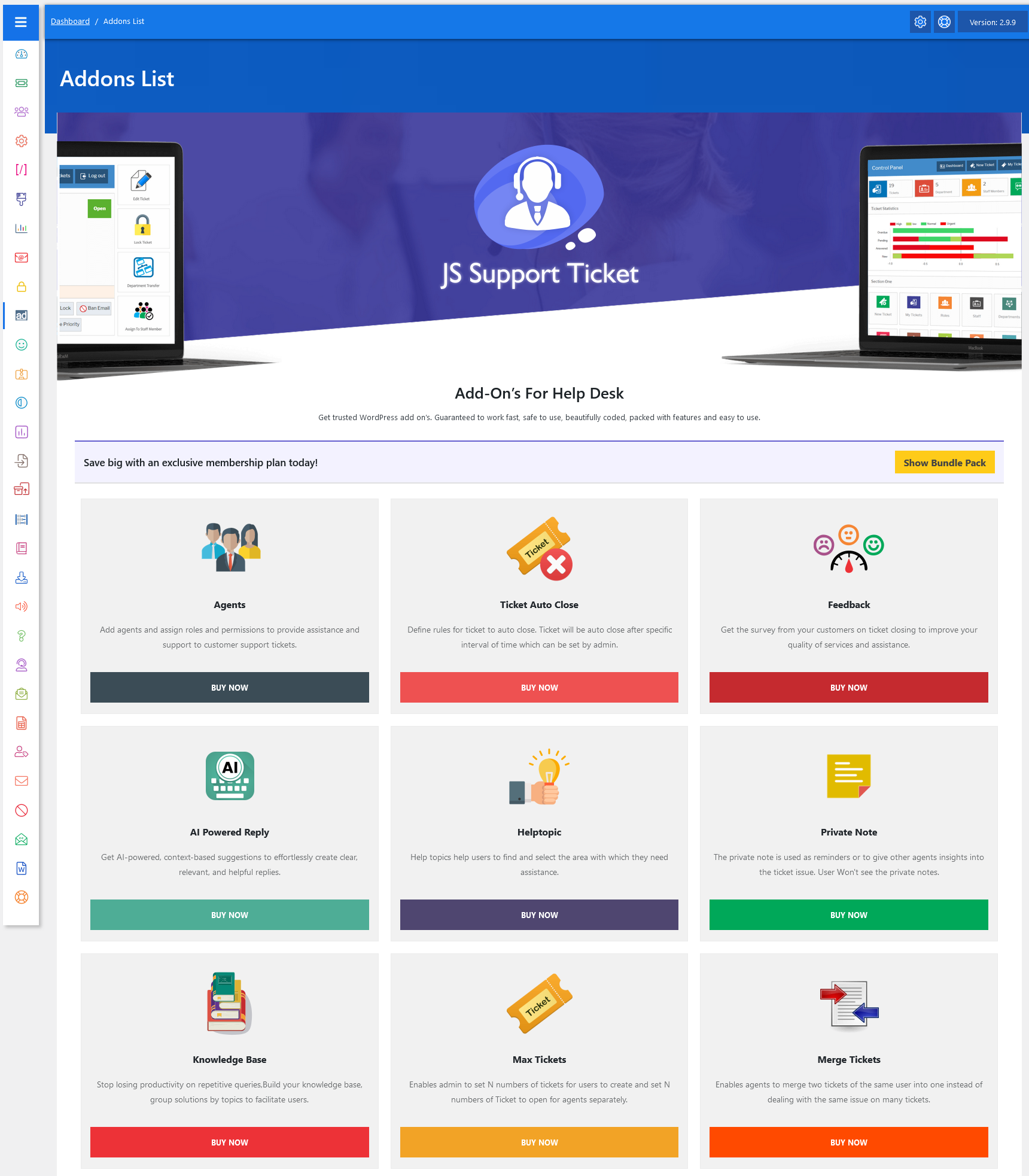
From your admin dashboard, navigate to the Admin Dashboard > Dashboard Menu > Addons List. On the addon list page, you will find various options that the admin can use to manage the addons.
The Addons List in JS Help Desk is the section where you can view all the additional features available to extend the functionality of your help desk system. These addons are designed to give you more flexibility, control, and power over how your support operations are managed. Instead of being limited to the core help desk features, you can explore and choose from a wide range of addons that match your team’s needs.
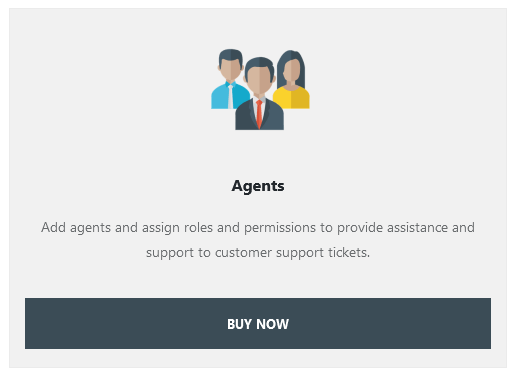
Each addon in the list is presented with its name, description, and a “Buy Now” option. This makes it easy for administrators to understand what each addon does before making a purchase decision. For example, the “Agents” addon allows you to add multiple agents and assign them roles and permissions so they can handle tickets efficiently. This is particularly useful for growing support teams that need different roles, like admins, supervisors, and regular support agents.