
WooCommerce Support In The JS Help Desk!
WooCommerce Support
The WooCommerce Support feature in JS Help Desk is designed to seamlessly integrate customer support with your WooCommerce store. Since online stores often deal with product-related inquiries, order issues, refunds, and shipping questions, connecting WooCommerce with your help desk ensures that customers can get assistance directly related to their purchases without extra steps.
Creat Product
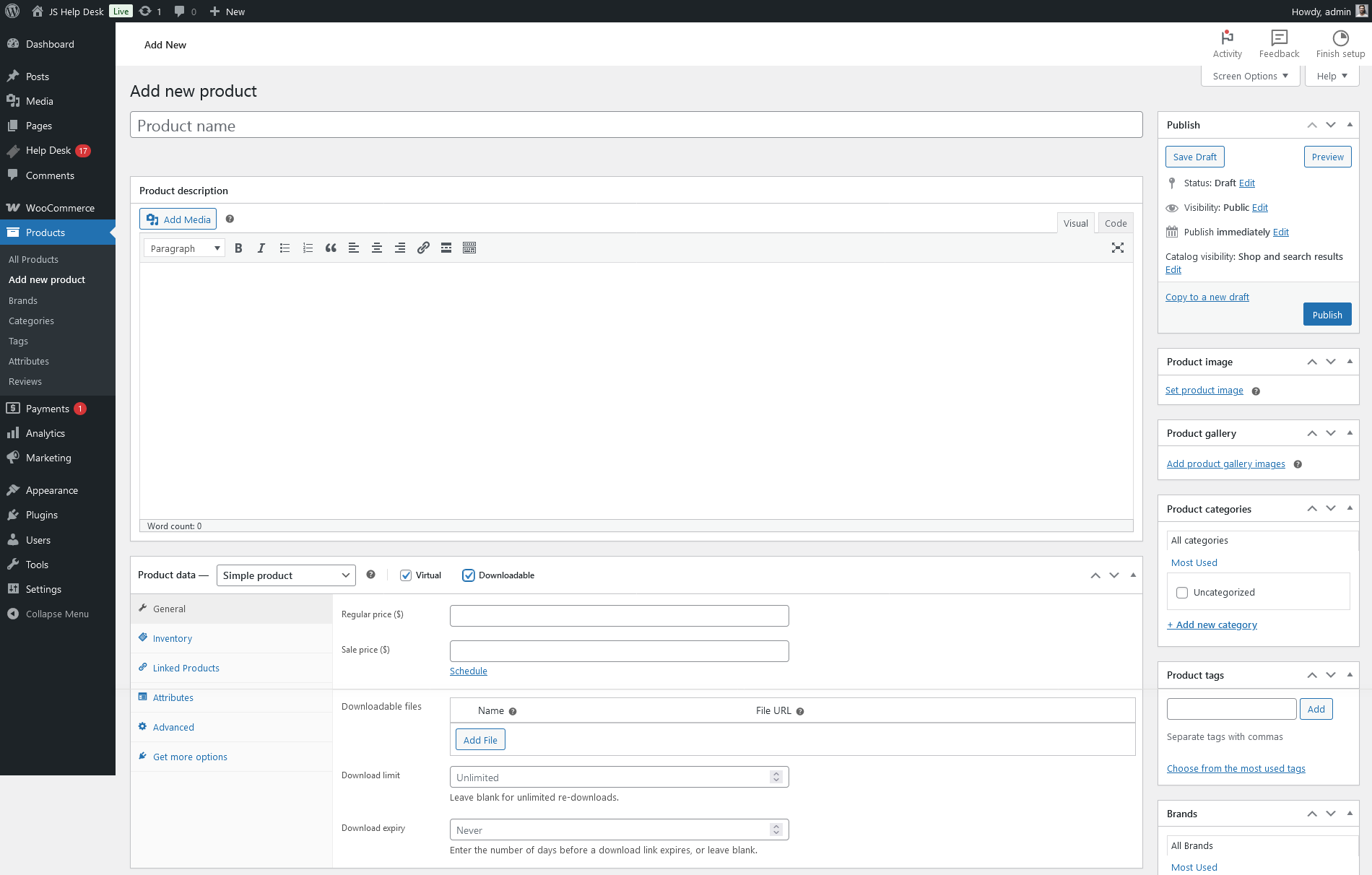
From your admin dashboard, navigate to Admin Dashboard > WordPress Menu > Products > Add New Products. After filling the required fields, select the virtual and downloadable check boxes from the product data portion, and click on the publish button. Your product has been successfully published.
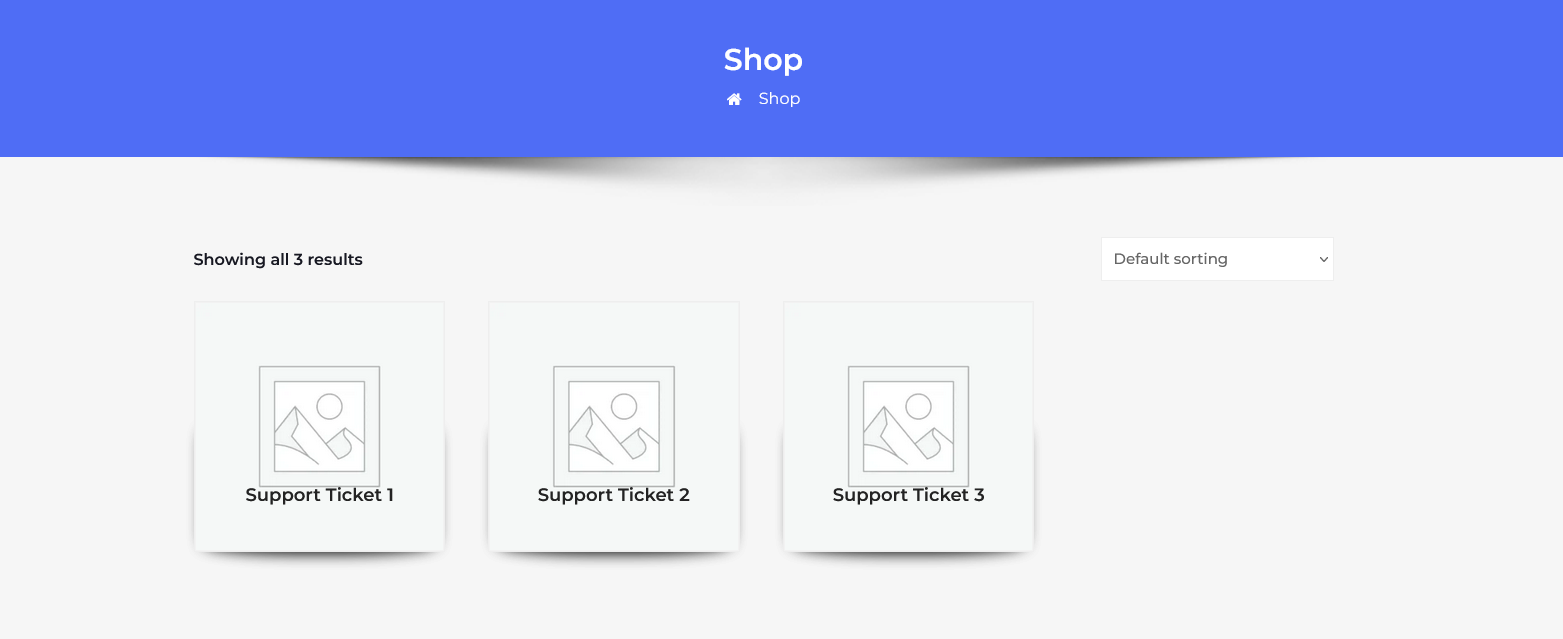
This portion shows all WooCommerce products.
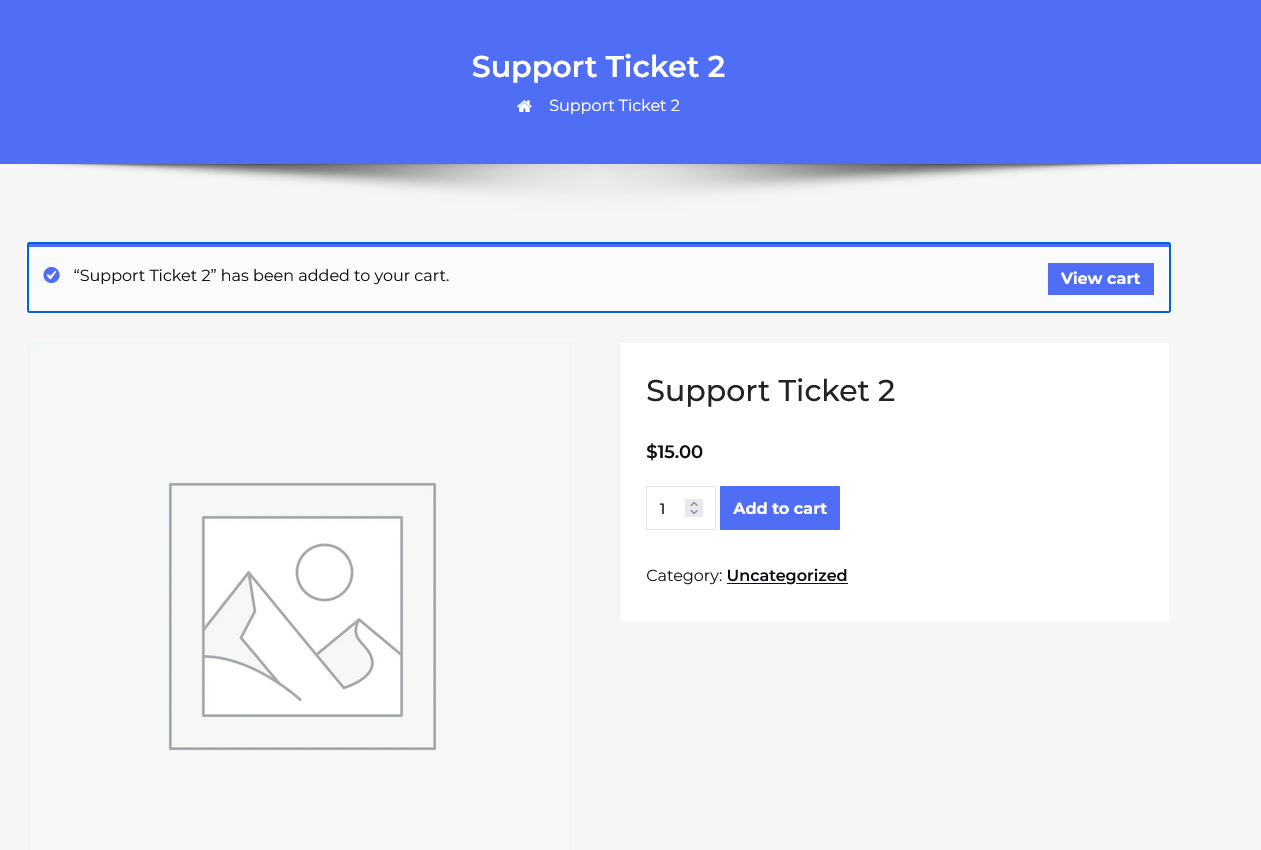
Click on the ” Add to Cart button to purchase the WooCommerce product. Click on the View Cart button to view the product details.
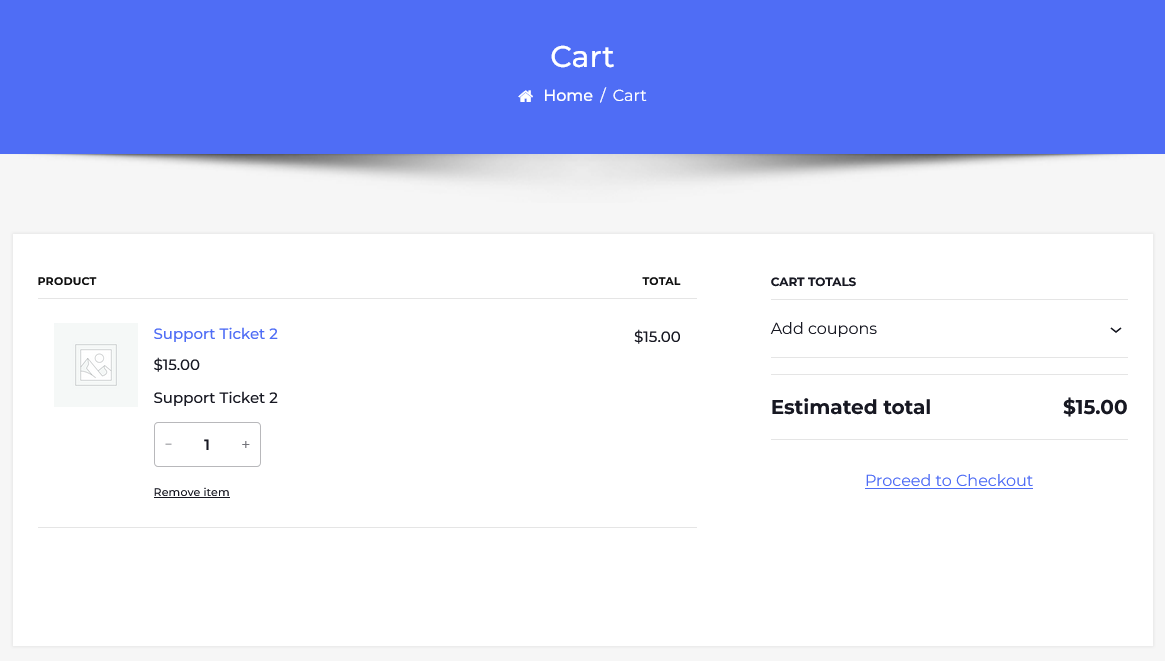
On the product detail page, click on Proceed to Checkout.
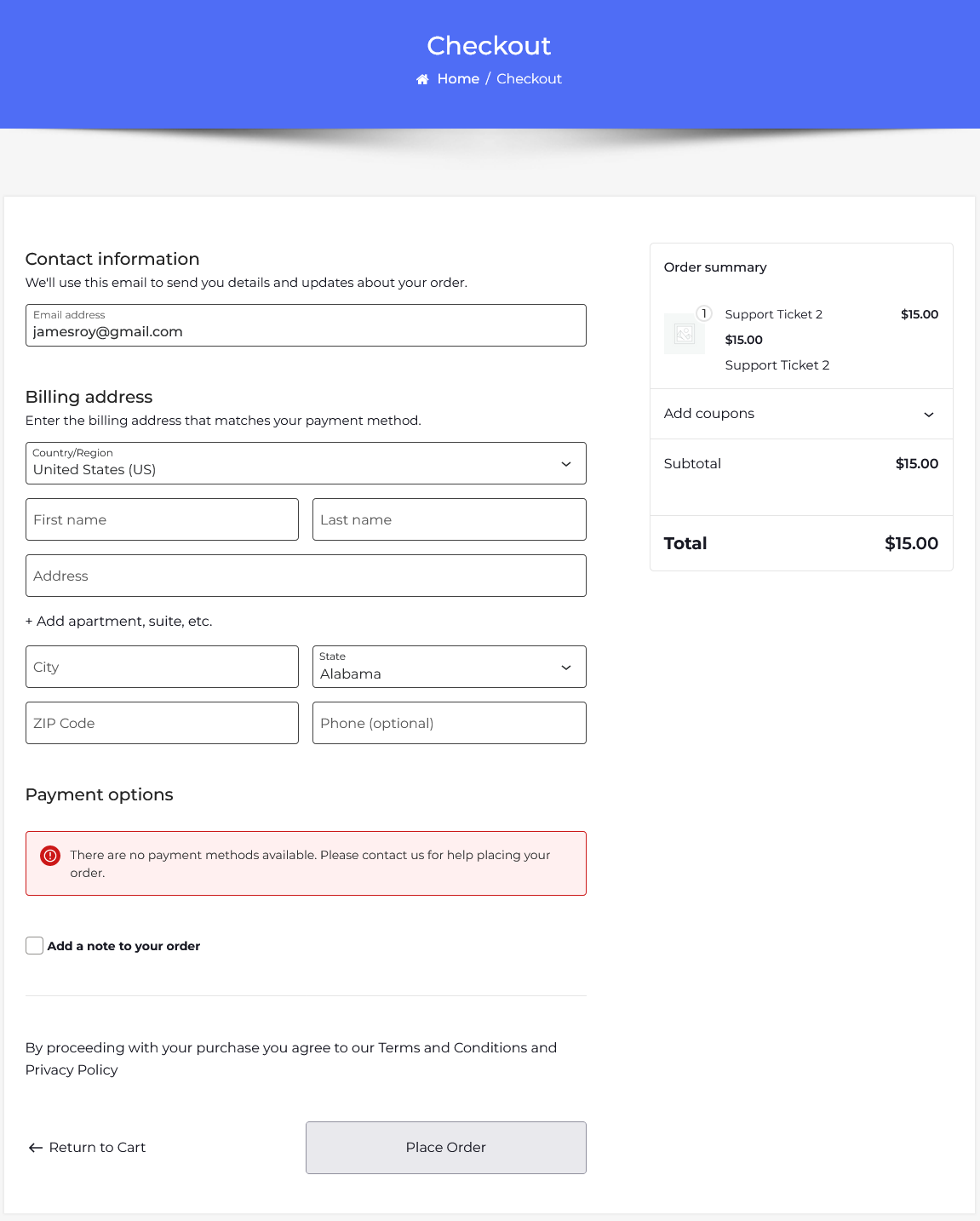
Fill all required fields and click on the Place Order button.
After Proceed Payment
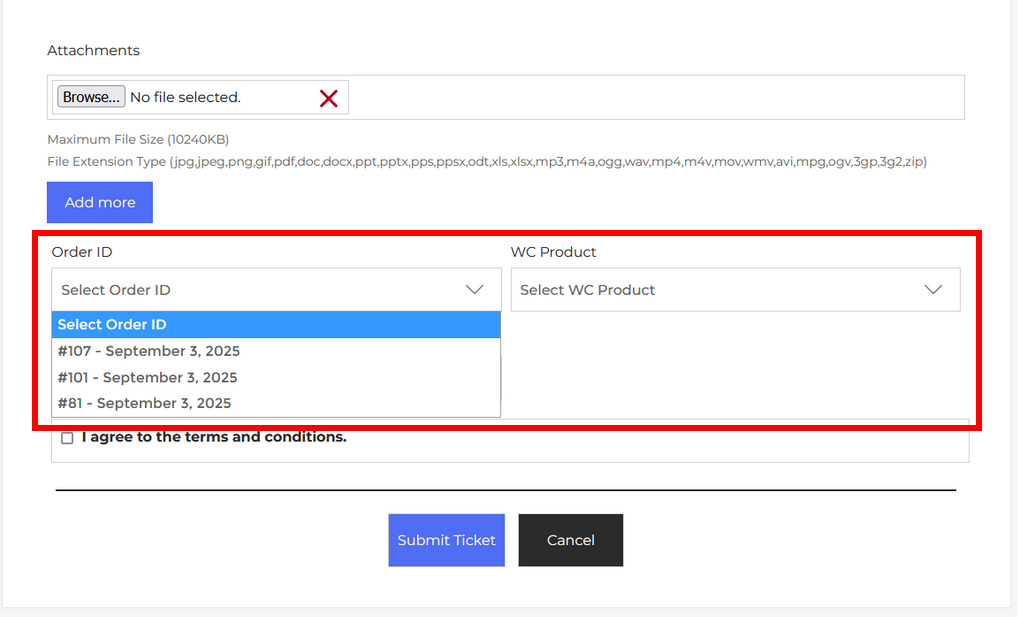
After proceeding with payment, on the ticket form page, you see Order ID and WC Product fields.