
Paid Support In The JS Help Desk!
Paid Support
The Paid Support feature in JS Help Desk is designed to help businesses and service providers monetize their customer support by linking ticket creation with payments. Instead of offering free support for every query, admins can define rules so that users pay for opening certain tickets, ensuring that the support team’s time and expertise are valued. This feature is especially useful for premium services.
Add New Product
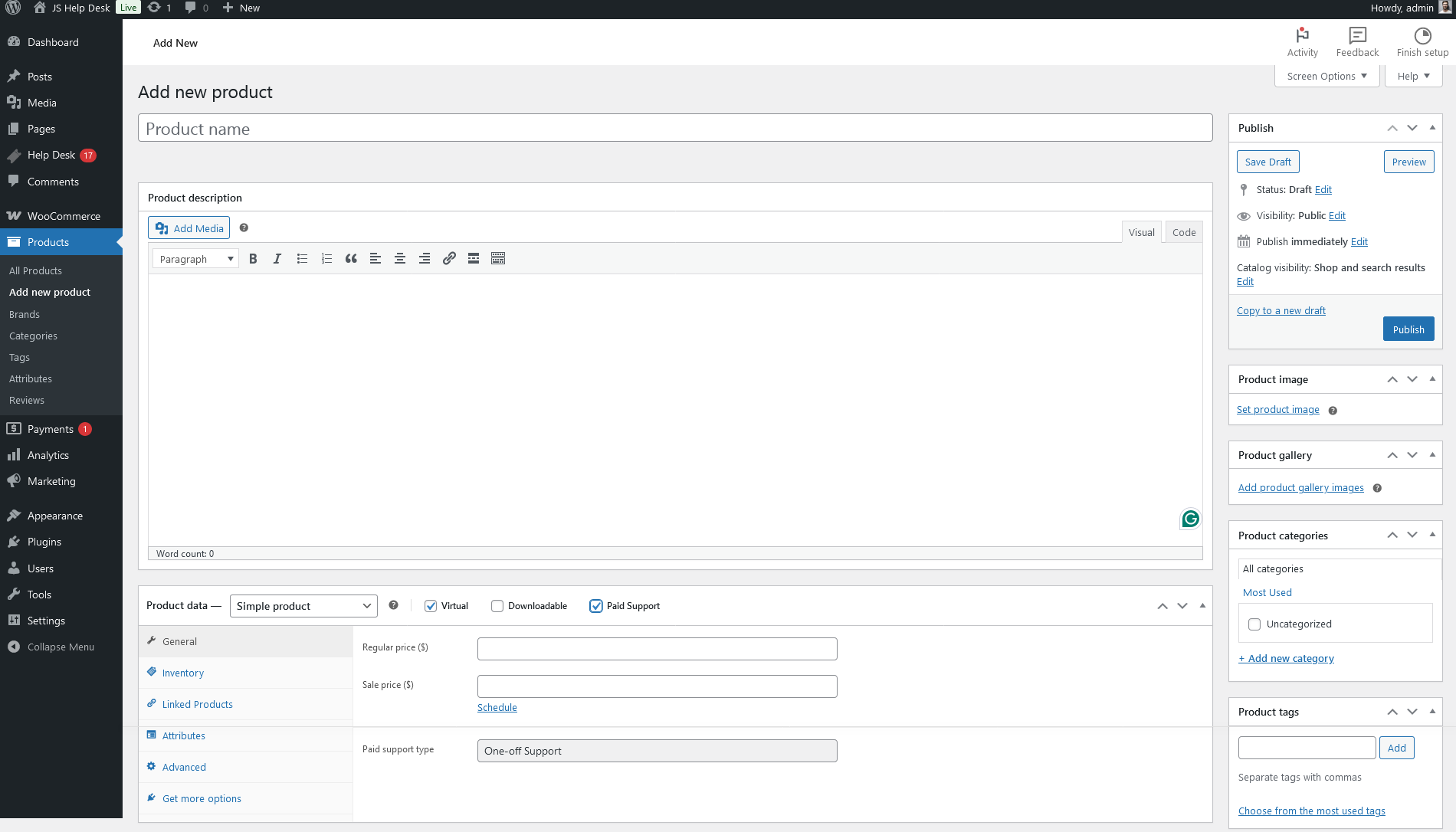
From your admin dashboard, navigate to Admin Dashboard > WordPress Menu > Products > Add New Products. After filling the required fields, select the Virtual and Paid Support check boxes from the product data portion, and click on the publish button. Your product has been successfully published.
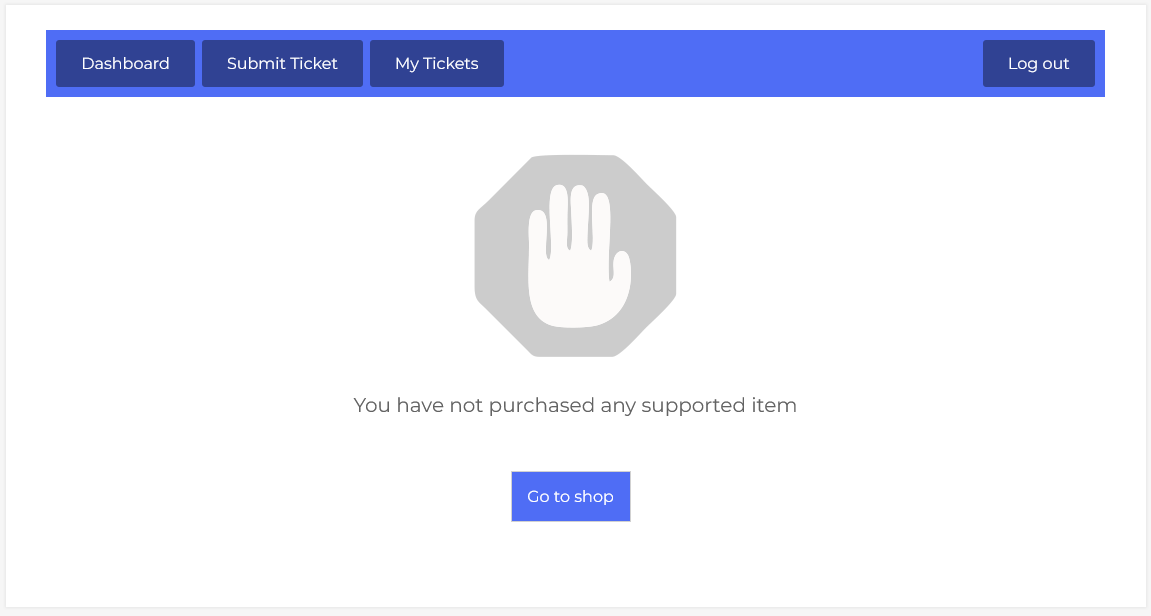
On the frontend side, the user tries to create a ticket, and the user sees this message.
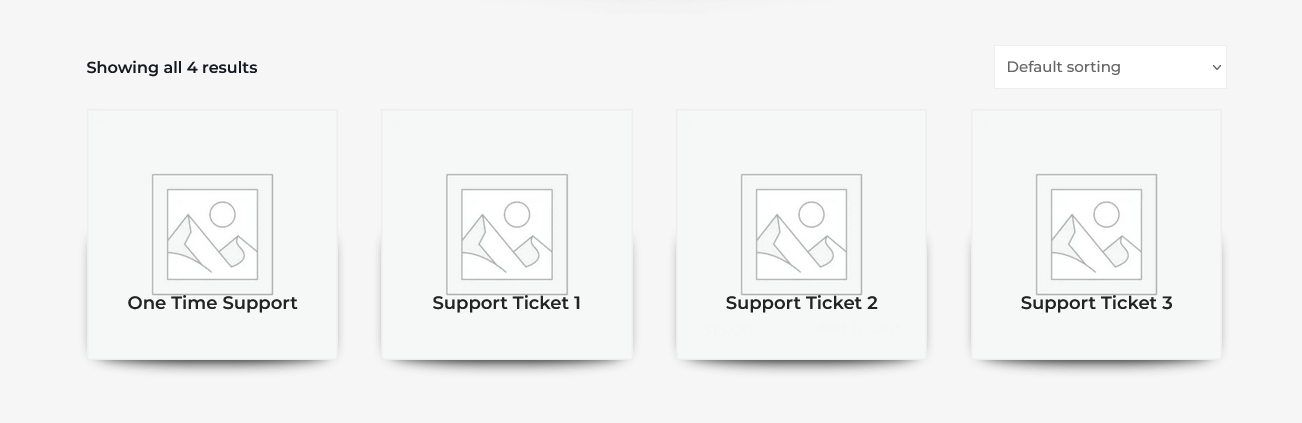
Click on the ” go to shop button, and you see all available products. Select your desired product.
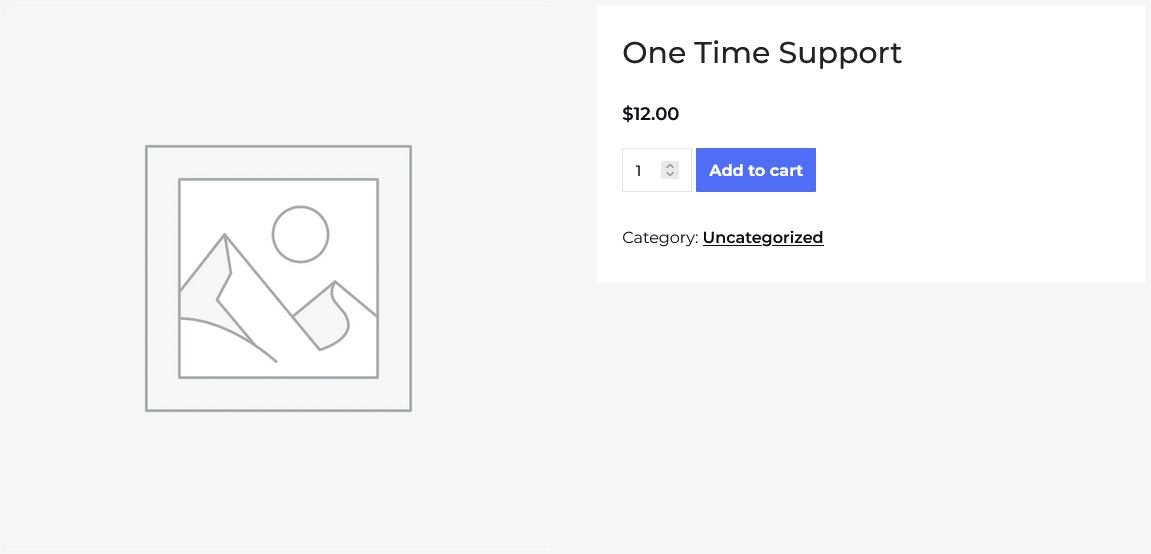
On the product detail page, there is an option to add to the cart. By using this button, you can add this product.
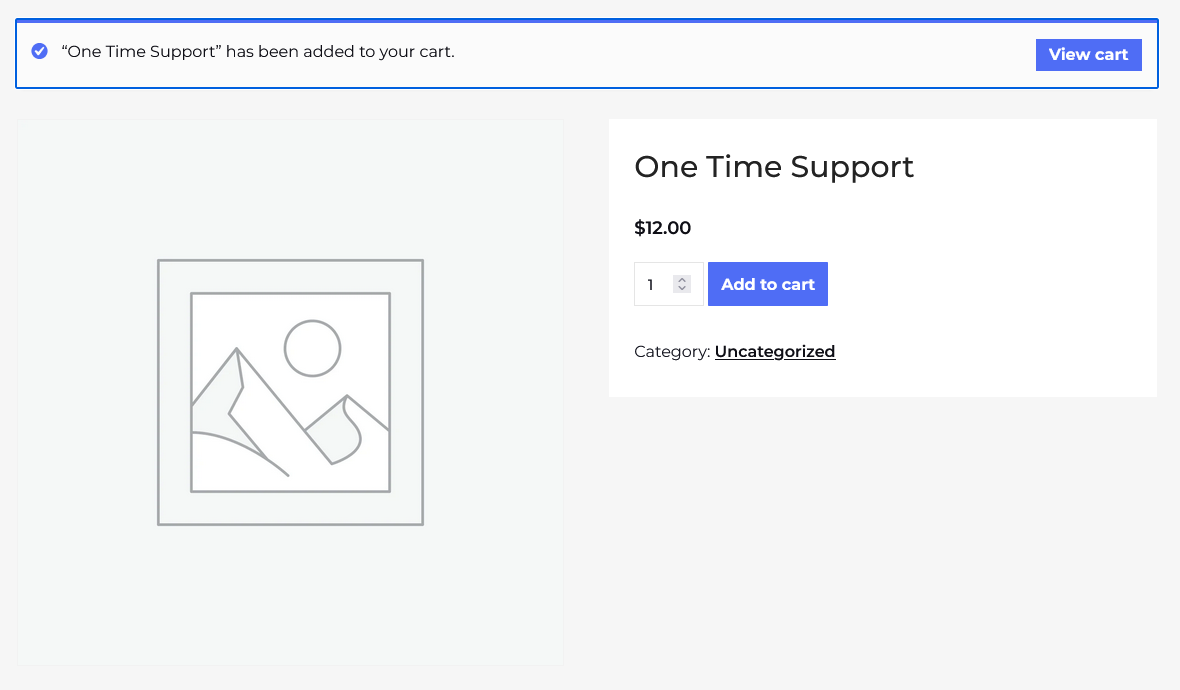
After adding a product to the cart, there is an option to view the cart.
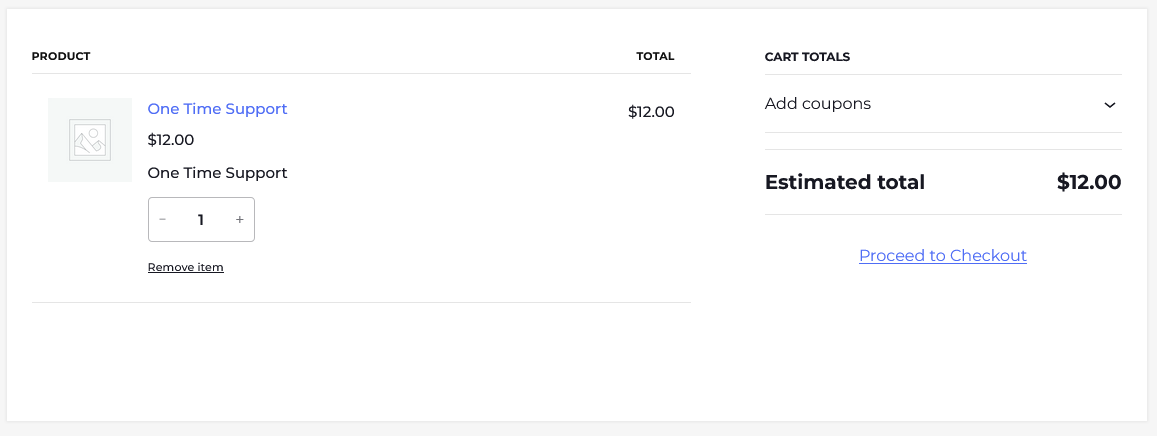
Here you can view the product name, price, quantity, total price, and proceed to checkout link.
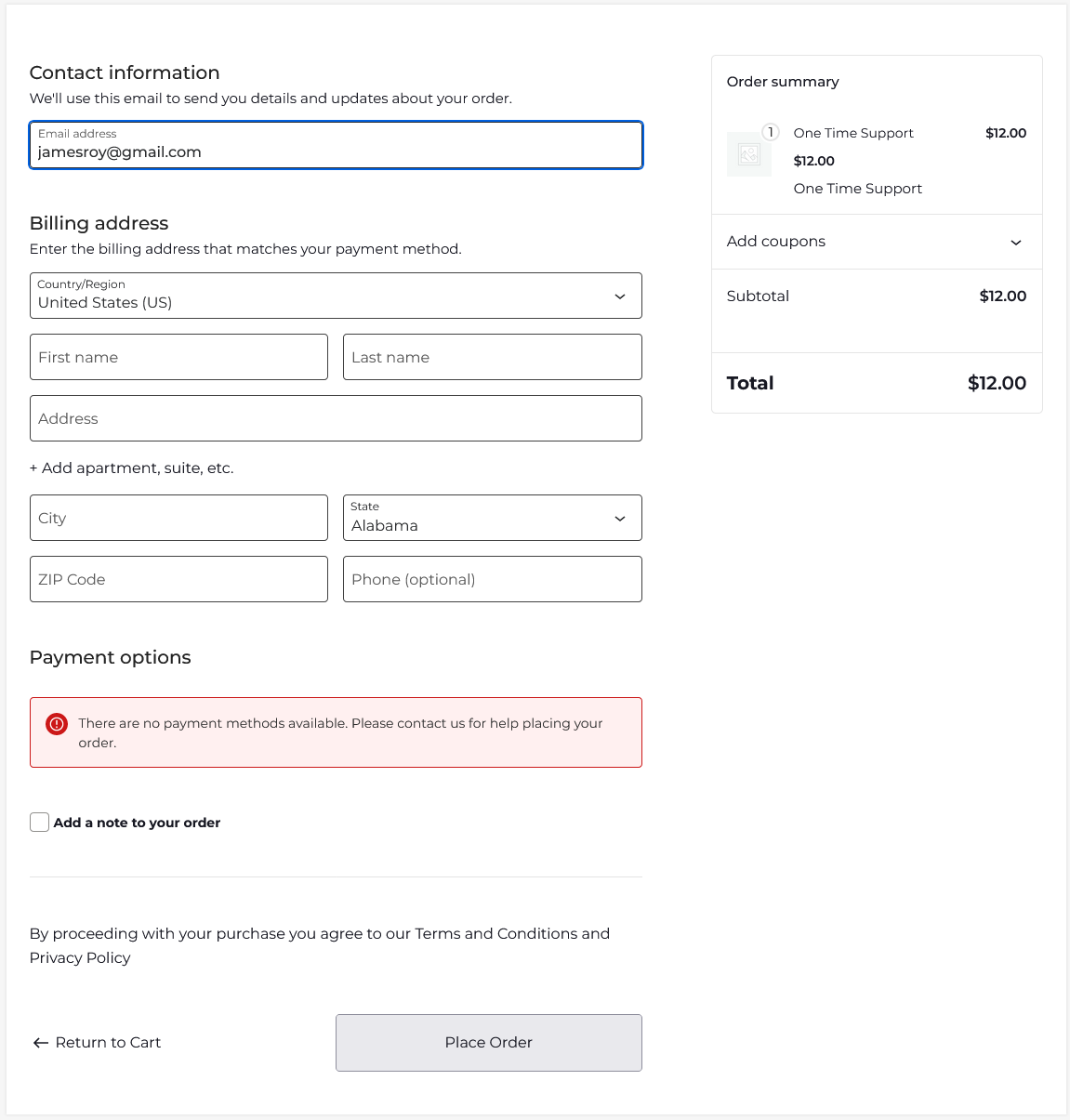
After clicking on the proceed to checkout link, fill in the required info and click on the place order button.
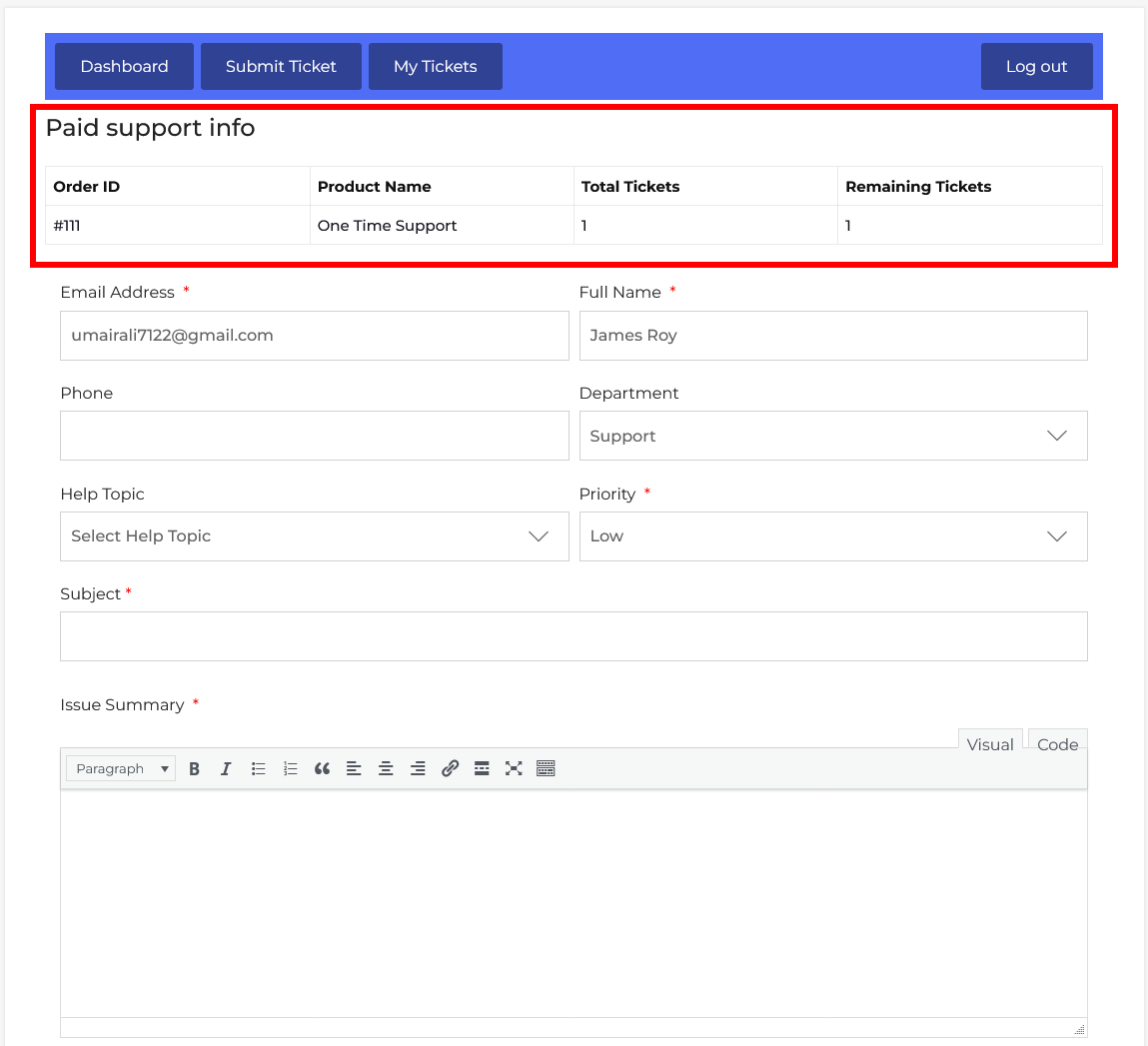
The Paid Support feature in JS Help Desk ensures that ticket creation is directly linked to a purchased support plan, giving structure and control to customer service operations. When a customer buys a support package, such as One-Time Support or Monthly Support, the details of their order are reflected in the Paid Support Info section. This clearly shows the customer their Order ID, Product Name, Total Tickets, and Remaining Tickets before they submit a new ticket.