
FAQ’s In The JS Help Desk!
FAQ’s
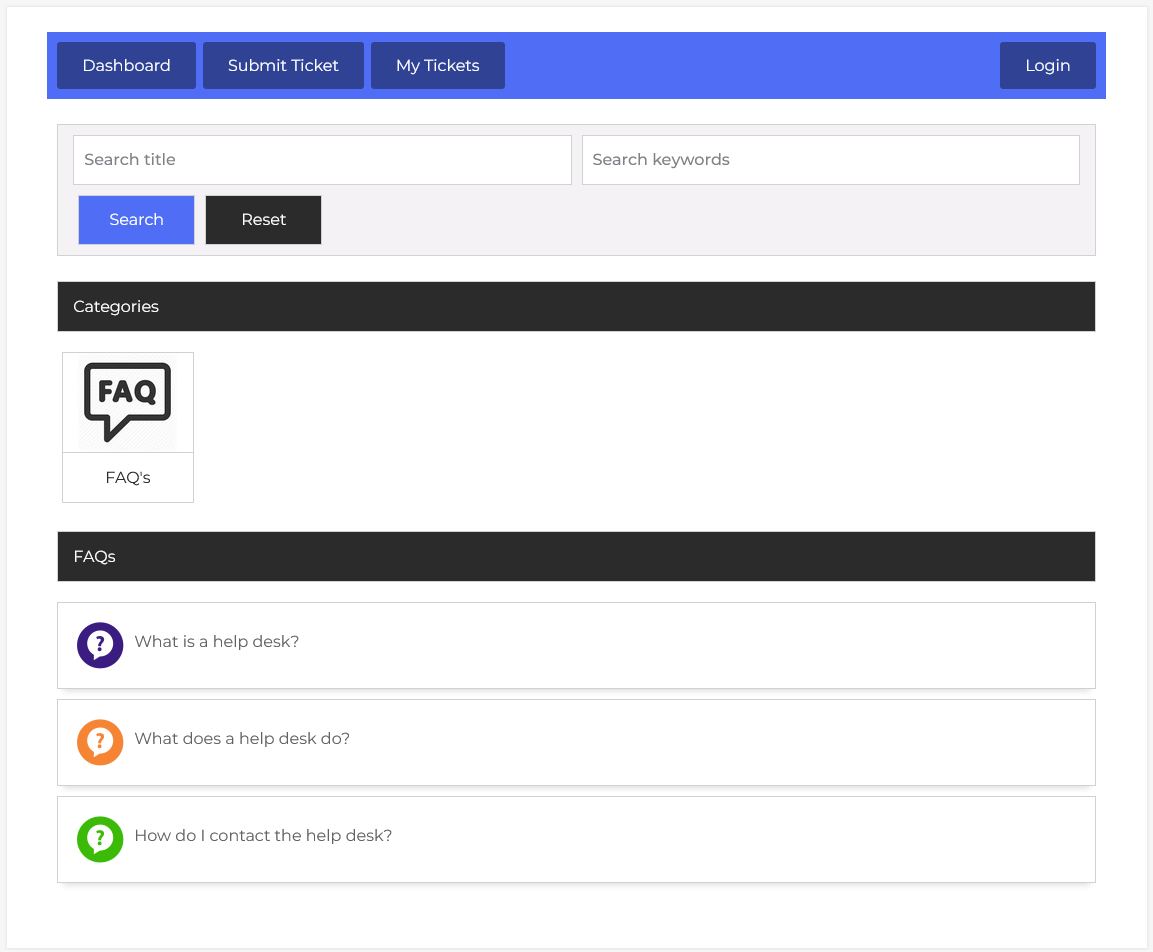
From your guest user dashboard, navigate to Guest User Dashboard > Dashboard Menu > FAQ’s. This is an FAQ listing page for users; all guests can view the FAQs here.
Search

You can use the search filter to find the faq’s. You can search by Title and Keywords. Filling in the search fields and clicking on the Search button will display the faq’s corresponding to that criterion. The Reset button clears the filters and restores the full list of faq’s.
Categories
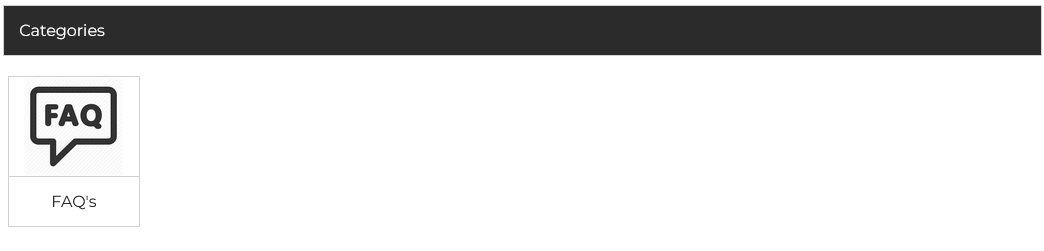
The system displays Categories with clear icons such as “FAQ’s”. These serve as entry points for browsing articles grouped by topics. Categories help users narrow down the type of support content they need, whether it’s general information, troubleshooting guides, or technical documentation.
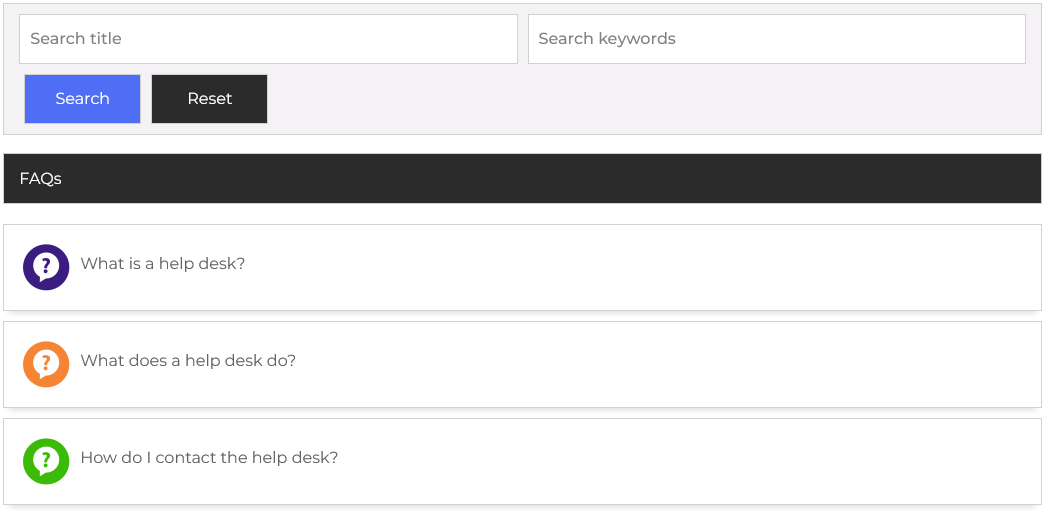
Clicking on any of these categories will expand the section. As shown in the interface, the faq’s are structured with clear categorization. At the top, a labeled section titled “FAQ’s”. Within this category, the faq articles are shown below in an image. The guest user can view the article’s detail page by clicking on the title.
FAQ’s Section
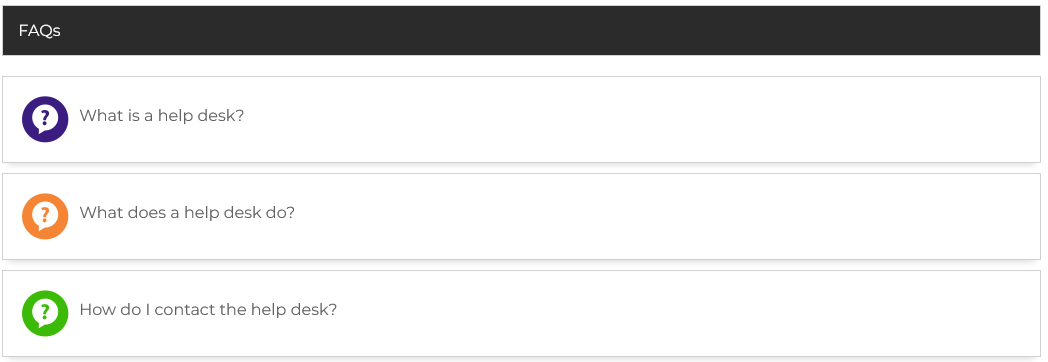
Further down, guest users can explore the FAQ Section, which lists all available faq’s articles under different headings. These sections include entries like” What is a help desk?” “What does a help desk do?” and “How do I contact the help desk?”