
User Menu In The JS Help Desk!
User Menu
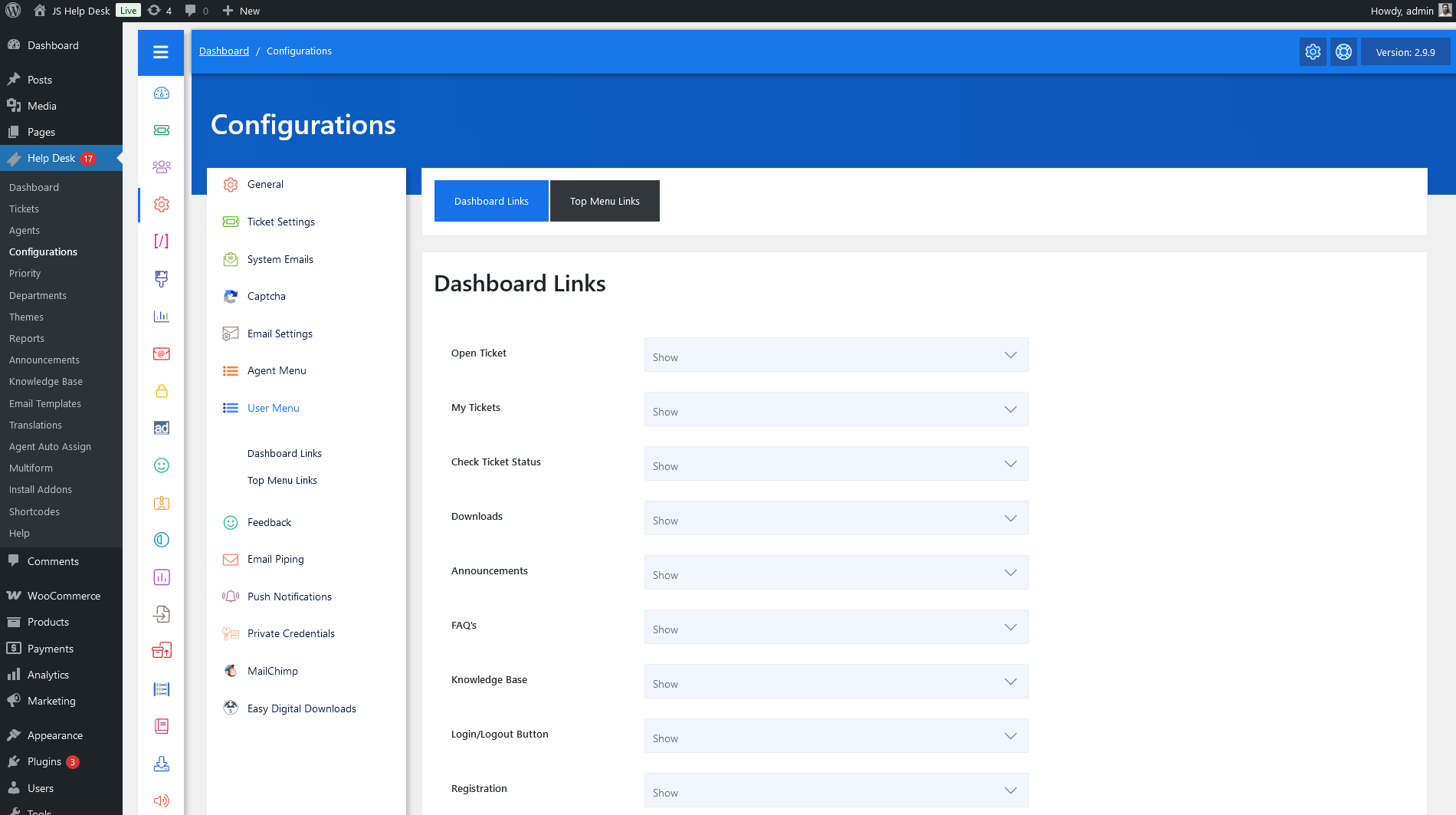
As an administrator, navigate to the Admin Dashboard > Dashboard Menu > Configurations > User Menu. On the configurations page, you will find various configurations that the admin can use to manage the JS Help Desk dashboard links.
Dashboard Links
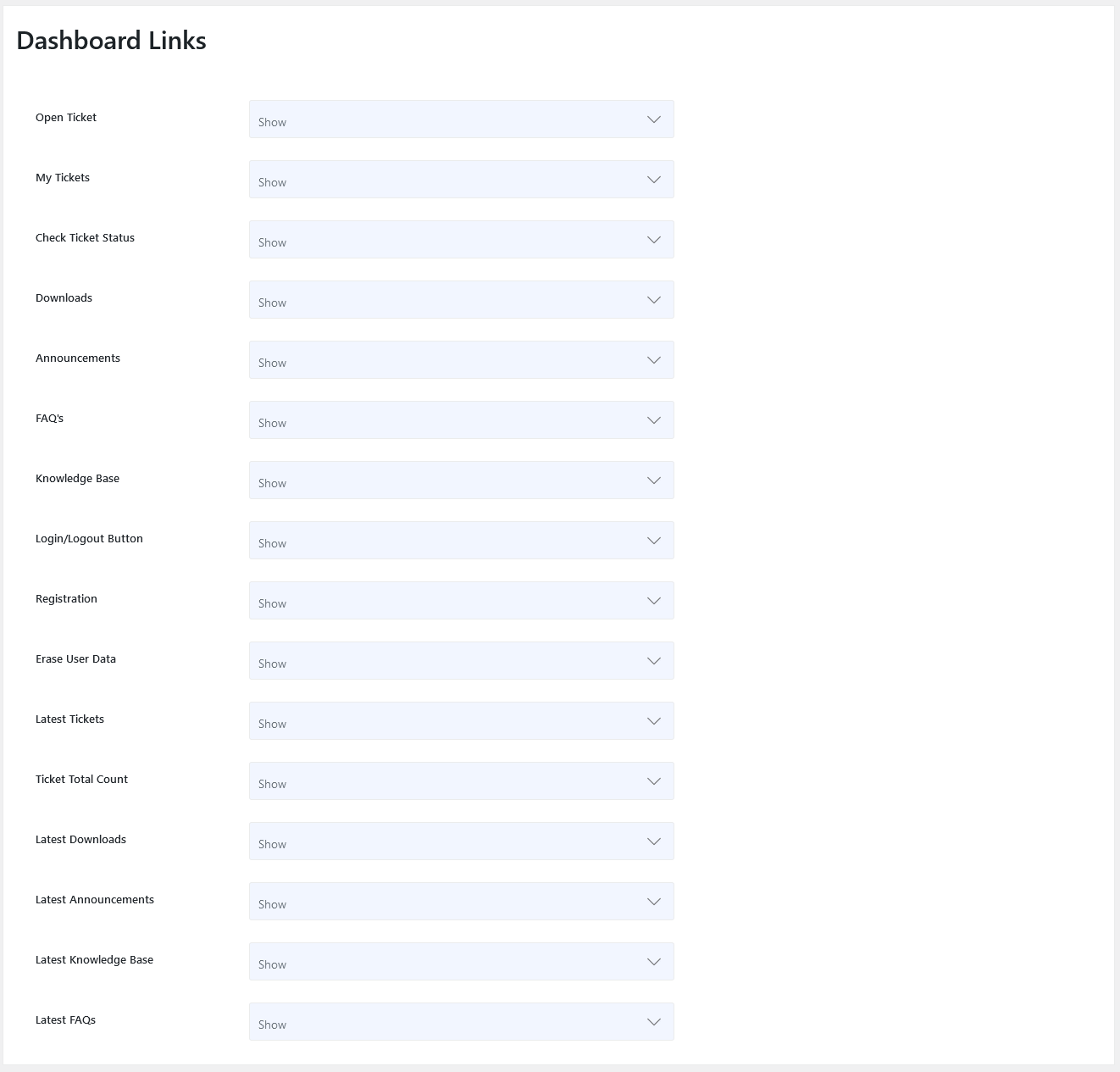
Open Tickets
This configuration controls the visibility of the “Open Ticket” link on the user control panel.
My Tickets
This configuration controls the visibility of the “My Tickets” link on the user control panel.
Check Ticket Status
This configuration controls the visibility of the “Check Ticket Status” link on the user control panel.
Downloads
This configuration controls the visibility of the “Downloads” link on the user control panel.
Announcements
This configuration controls the visibility of the “Announcements” link on the user control panel.
FAQ’s
This configuration controls the visibility of the “FAQ’s” link on the user control panel.
Knowledge Base
This configuration controls the visibility of the “Knowledge Base” link on the user control panel.
Login/Logout Button
This configuration controls the visibility of the “Login/Logout” link on the user control panel.
Registration
This configuration controls the visibility of the “Registration” link on the user control panel.
Erase User Data
This configuration controls the visibility of the “Erase User Data” link on the user control panel.
Latest Tickets
This configuration controls the visibility of the “Latest Tickets” on the user control panel.
Ticket Total Count
This configuration controls the visibility of the “Ticket Total Count” on the user control panel.
Latest Downloads
This configuration controls the visibility of the “Latest Downloads” on the user control panel.
Latest Announcements
This configuration controls the visibility of the “Latest Announcements” on the user control panel.
Latest Knowledge Base
This configuration controls the visibility of the “Latest Knowledge Base” on the user control panel.
Latest FAQ’s
This configuration controls the visibility of the “Latest FAQ’s” on the user control panel.
Top Menu Links
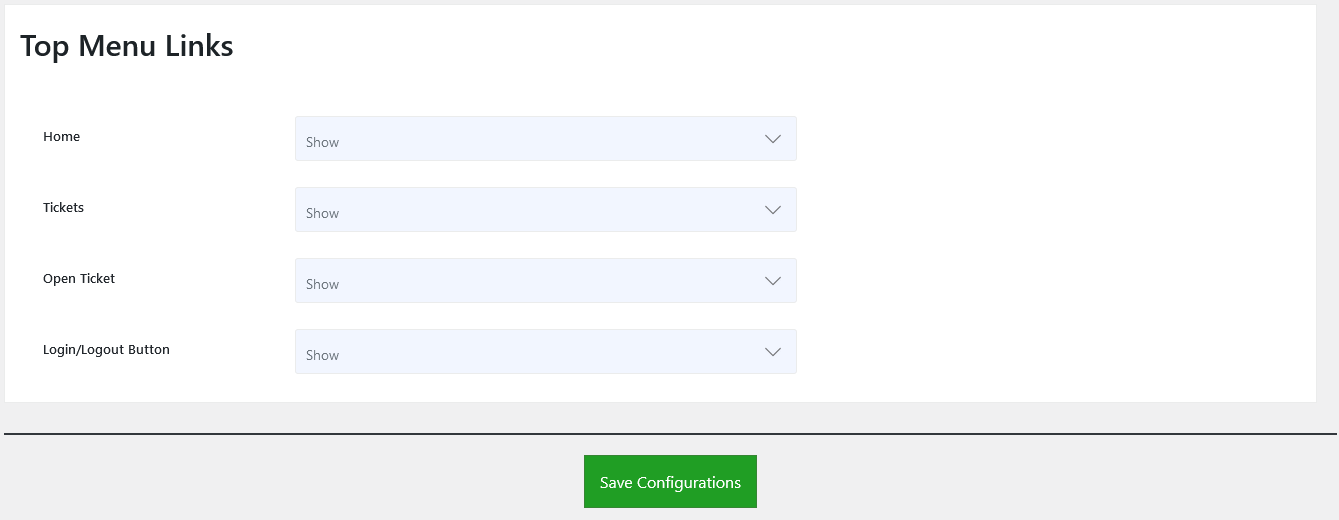
Home
This configuration controls the visibility of the “Home” link at the user’s top menu.
Tickets
This configuration controls the visibility of the “Tickets” link in the user’s top menu.
Open Ticket
This configuration controls the visibility of the “Open Ticket” link in the user’s top menu.
Login/Logout Button
This configuration controls the visibility of the “Login/Logout” link in the user’s top menu.