
What can we help you with?
Feedback In The JS Help Desk!
Feedback
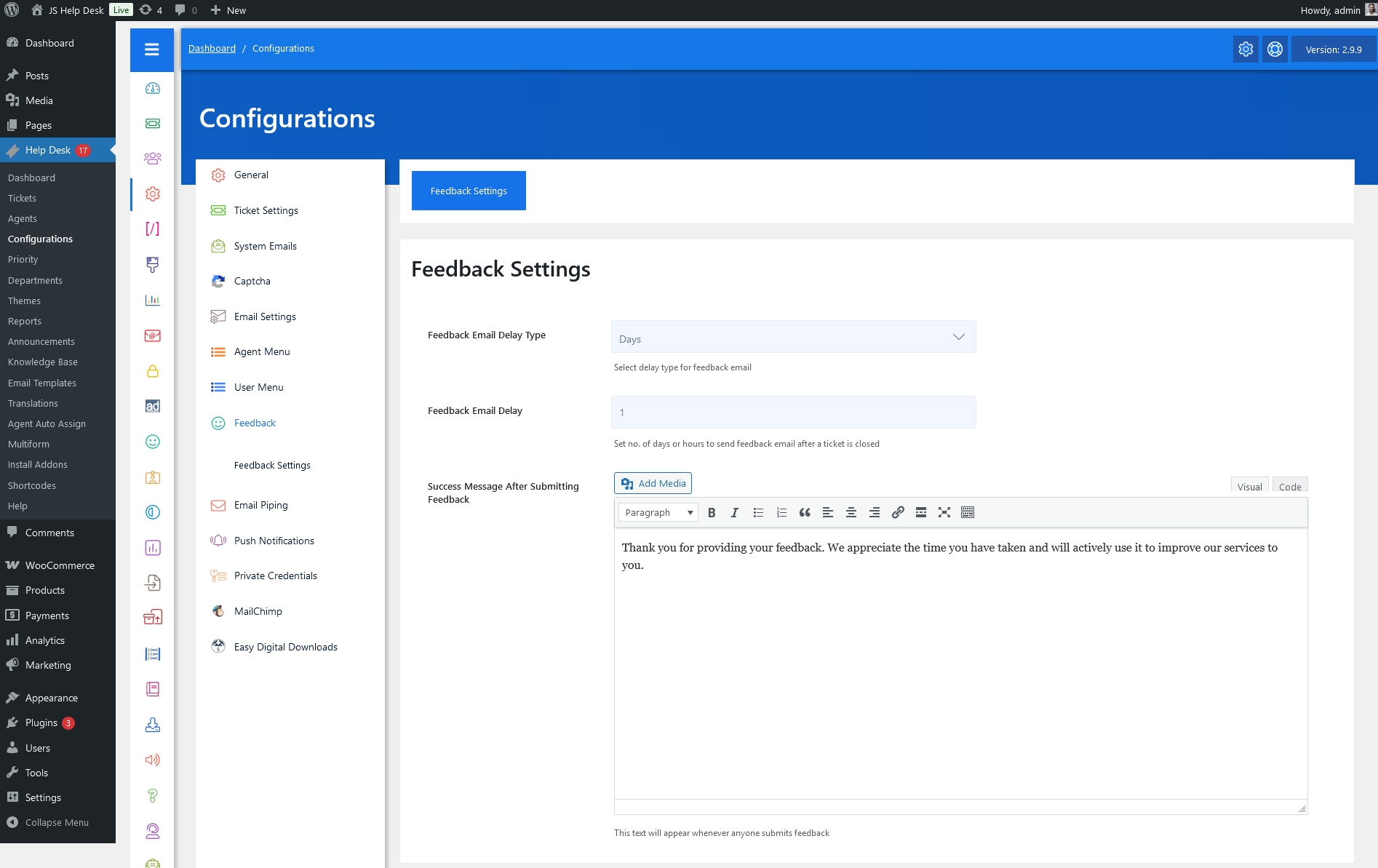
As an administrator, navigate to the Admin Dashboard > Dashboard Menu > Configurations > Feedback. On the configurations page, you will find various configurations that the admin can use to manage the JS Help Desk feedback settings.
Feedback Settings
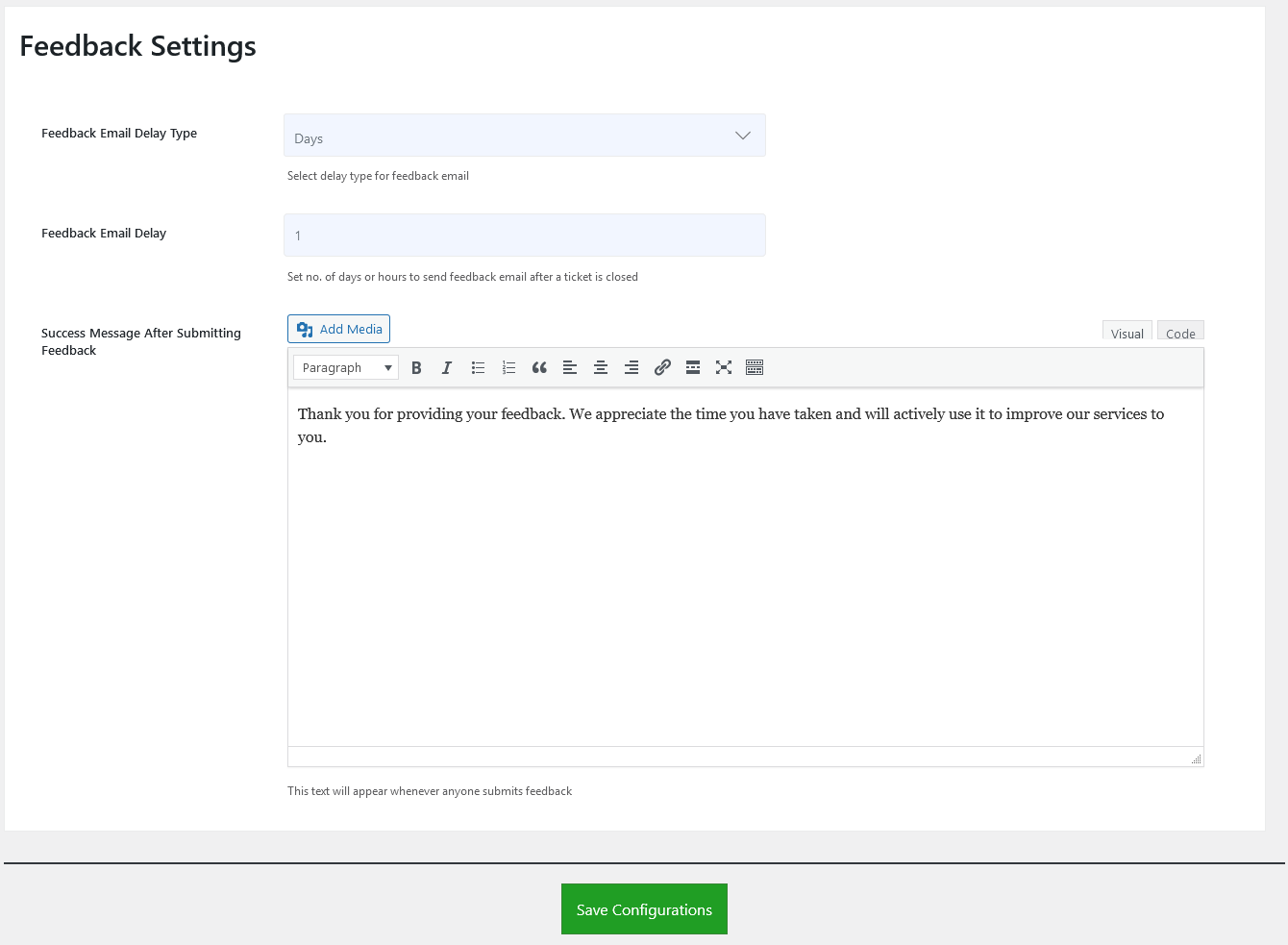
Feedback Email Delay Type
Select the delay type in Days/Hours for the feedback email.
Feedback Email Delay
Set the number of days or hours to send a feedback email after a ticket is closed.
Success Message After Submitting Feedback
This text will appear whenever anyone submits feedback.