
My Tickets In The JS Help Desk!
My Tickets
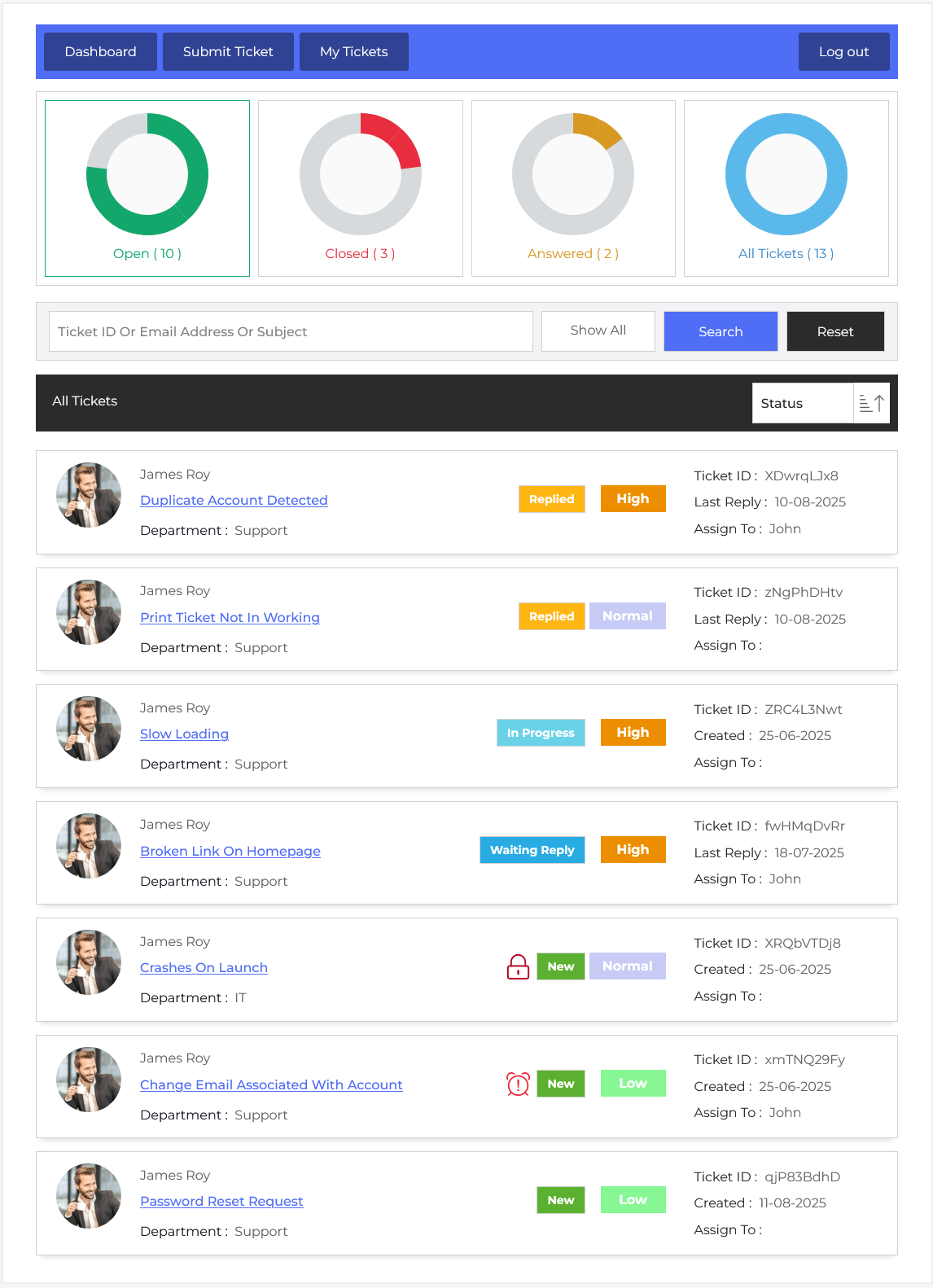
From your user dashboard, navigate to the User Dashboard > Dashboard Menu > My Tickets. This is my ticket listing page for the user. Any registered user can view their tickets here.
Top Buttons
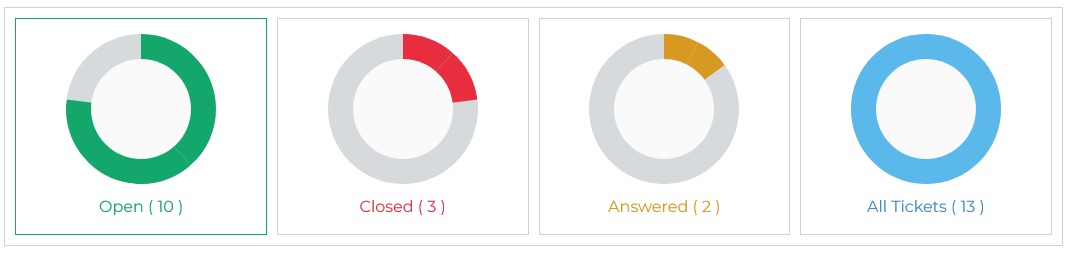
There are five buttons; each button has a title and the number of tickets. The button titles are open, closed, answered, overdue, and all tickets. Clicking on any of the five buttons will show those specific tickets on the page.
Open
User clicks the open button, and it displays the list of open tickets. In this list, those tickets are displayed that are still active and have not yet been resolved.
Closed
When the user clicks on the closed button, it displays the list of closed tickets. In this list, those tickets are displayed that have been fully resolved and closed.
Answerd
Answered tickets are those tickets that receive a reply from the admin or the agent, but haven’t been closed yet. It could be awaiting a user reply.
All Tickets
This represents the total number of user tickets. When the user clicks on the all tickets button, tickets with status (open, answered, overdue, and closed) are displayed in this list.
Search

If the user clicks on the “Show All” button on the right side, all search fields will appear on screen, which is a comprehensive search on my ticket listing page. It can be used to find tickets with any specific criteria. User filters tickets by Ticket ID, Subject, Select Department, Email Address, Select Priority, Start Date, End Date, and Ticket Status. The user can define criteria using the search fields and click on the search button, then only the tickets that fulfill the user-specified criteria will be visible in a listing. The reset button will disable the criteria and show all tickets. The fields and the titles can be controlled from the field ordering.

This portion represents a single ticket; it has a photo, from, subject, department, ticket status, ticket ID, created, assigned to, and priority of a ticket. Clicking on the subject of a ticket will go to the ticket detail page.