
Message In The JS Help Desk!
Message Detail
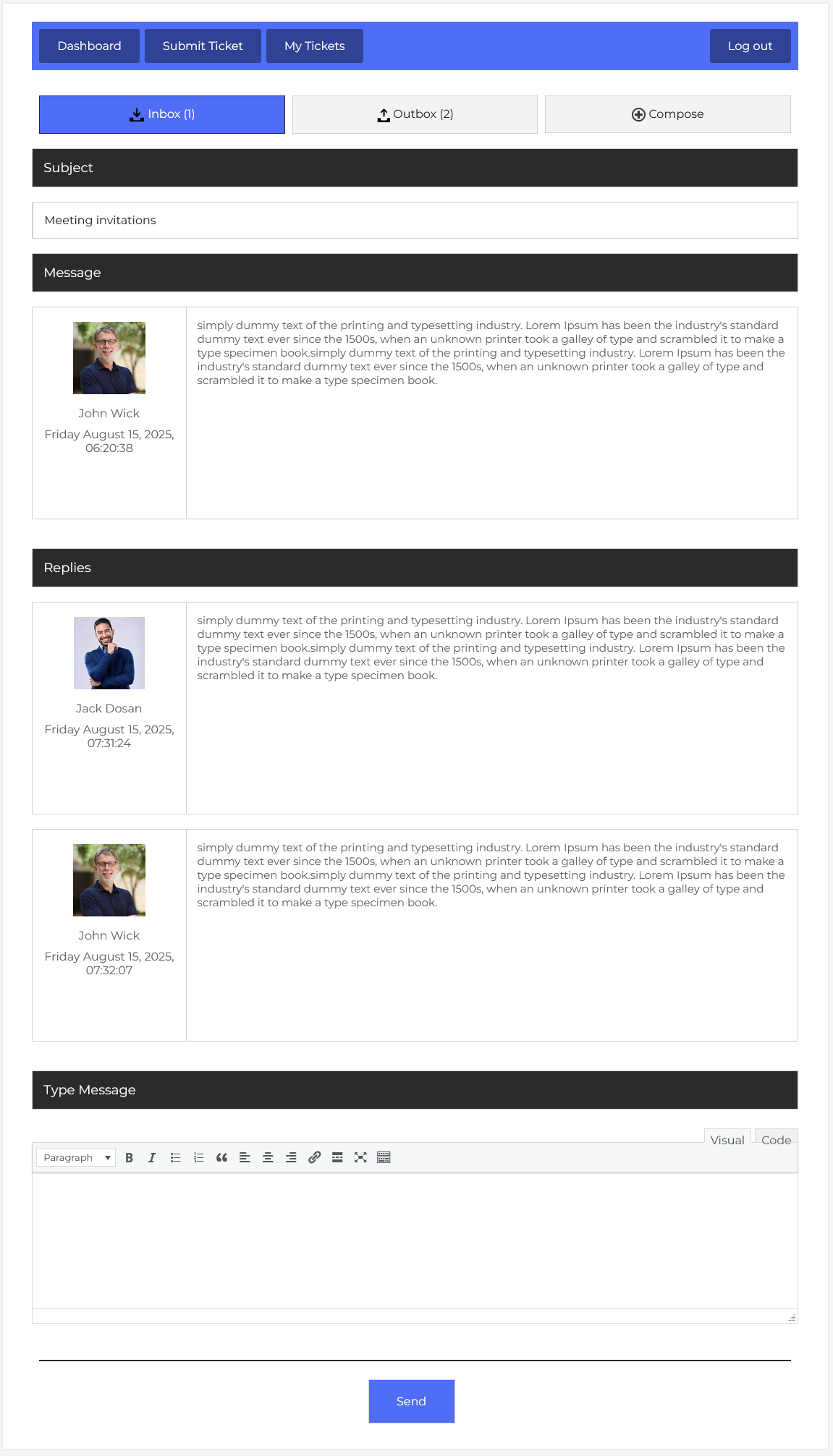
The Message Details section in JS Help Desk allows you to view and manage individual messages, along with their replies, in an organized and user-friendly interface. This feature ensures smooth communication between agents, helping to keep conversations clear and traceable.
At the top of the page, you can switch between the Inbox, Outbox, and Compose tabs. The Inbox contains messages you’ve received, while the Outbox shows messages you’ve sent. The Compose button lets you start a new conversation. For example, if you are responding to a support query about meeting invitations, you can find the original message in the Inbox.
Subject

The Subject field displays the topic of the message in this case, “Meeting invitations,” so you can quickly understand the conversation’s focus without reading the entire thread. This makes it easy to prioritize and manage multiple messages efficiently.
Message
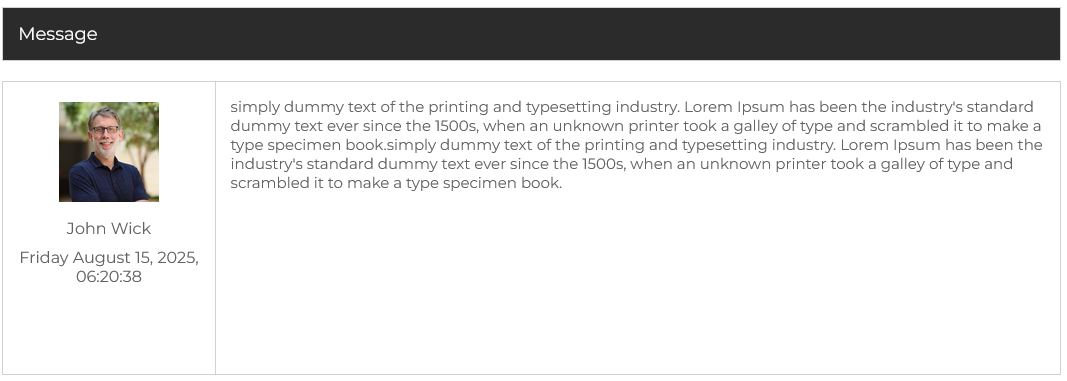
The Message section contains the original message details, including the sender’s profile picture, name, date, and time of sending. The content is displayed in a text box for easy reading. This setup ensures that you can identify who sent the message and when, which is crucial for maintaining an organized communication flow.
Replies
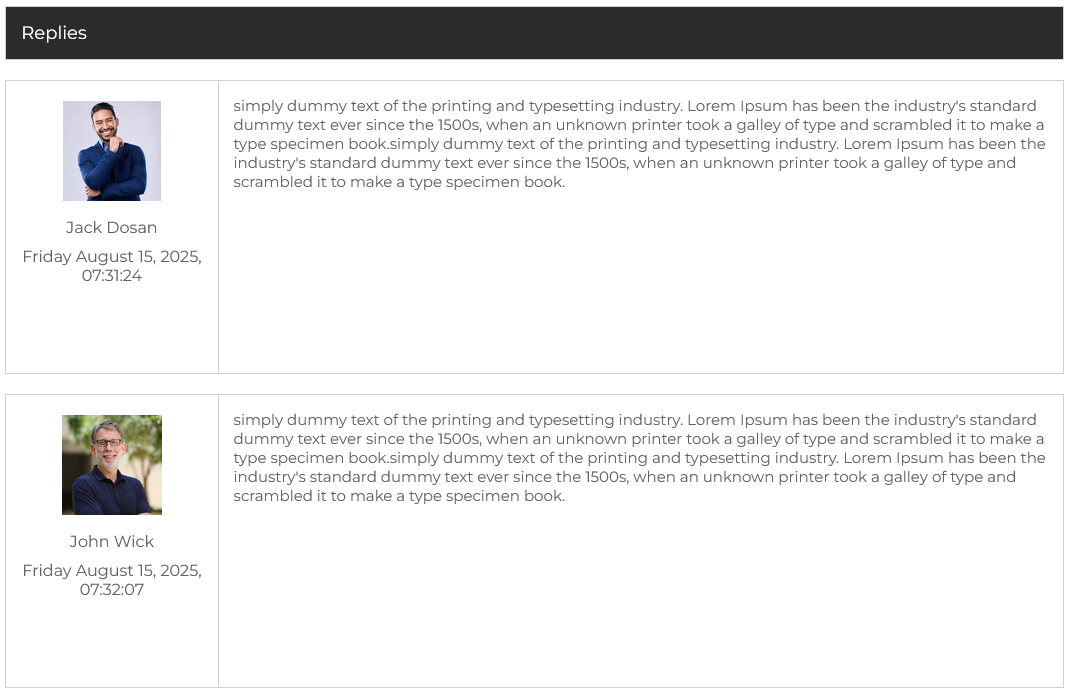
Below the main message, the Replies section shows all responses in chronological order, including the responder’s name, profile image, date, and time. This threaded view allows you to follow the conversation without jumping between screens. For instance, if Jack Dosan replies at 07:31:24 and John Wick follows up at 07:32:07, you can easily see the back-and-forth exchange.
Type Message
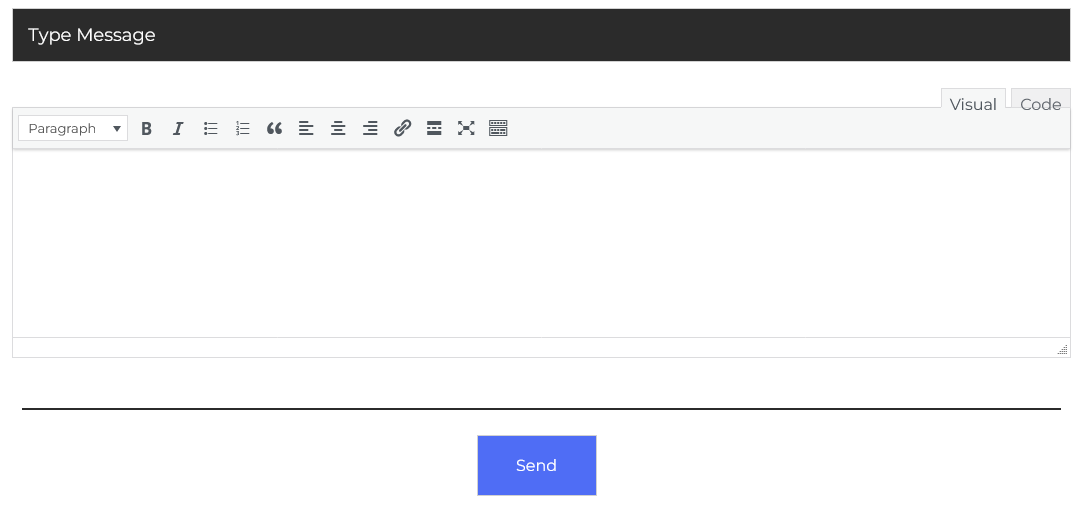
At the bottom, the Type Message editor lets you compose your reply directly within the conversation. You can use text formatting tools like bold, italics, lists, links, and more, making your replies clear and professional. There’s also a Visual and Code mode for those who prefer HTML formatting, giving you flexibility in message styling.