
Products In The JS Help Desk!
Products
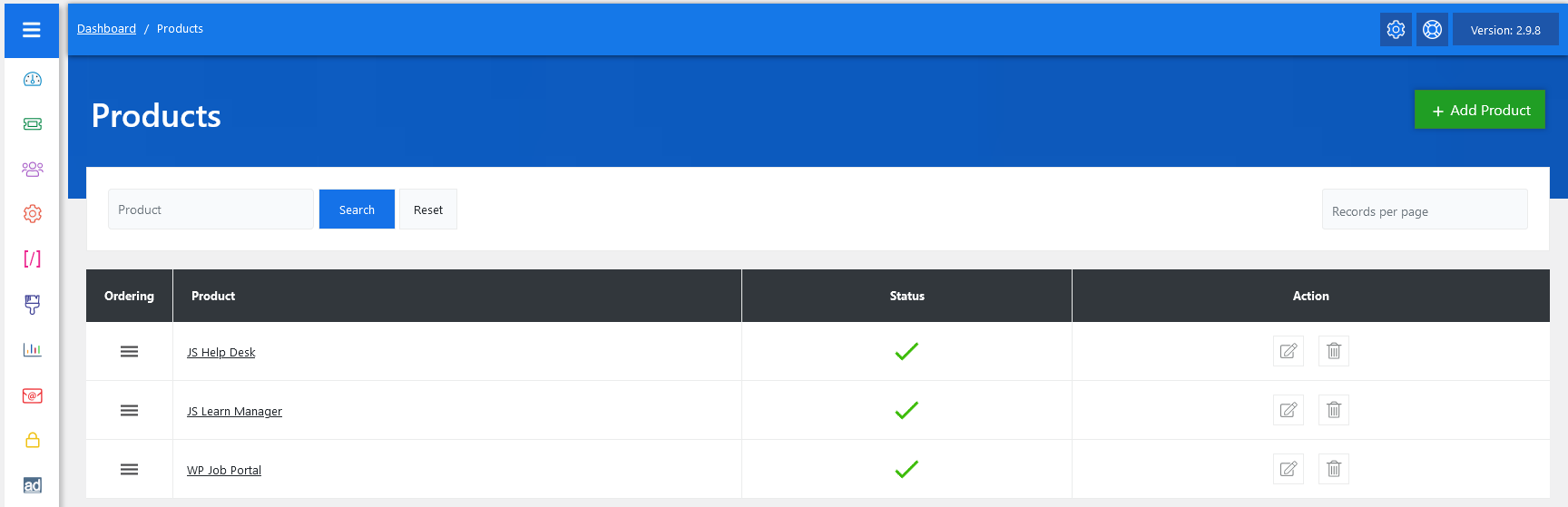
From your admin dashboard, navigate to the Admin Dashboard > Dashboard Menu > Products. On the products page, you will find various options for the admin to manage products. All details about products and how the admin manages them are discussed here.
The Products feature in JS Help Desk allows you to connect support tickets with specific products or services that your company offers. This makes it much easier for support agents to identify what the ticket is about, categorize it correctly, and provide faster and more accurate solutions. Instead of handling all tickets generically.
Search

You can use the search filter to find the products you need quickly. You can search by Title. Fill the title field, and clicking on the Search button will display the products corresponding to that criterion. The Reset button clears the filters and restores the full list of products.
Listing

Administrators can fully customize products to fit the organization’s workflow. Each product can be edited with a title, status, and action.
- Title: Name of the products.
- Status: A green checkmark means the product is active and visible to users.
- Actions: You can update or delete the product anytime using the action buttons on the right side.
Change Field Ordering
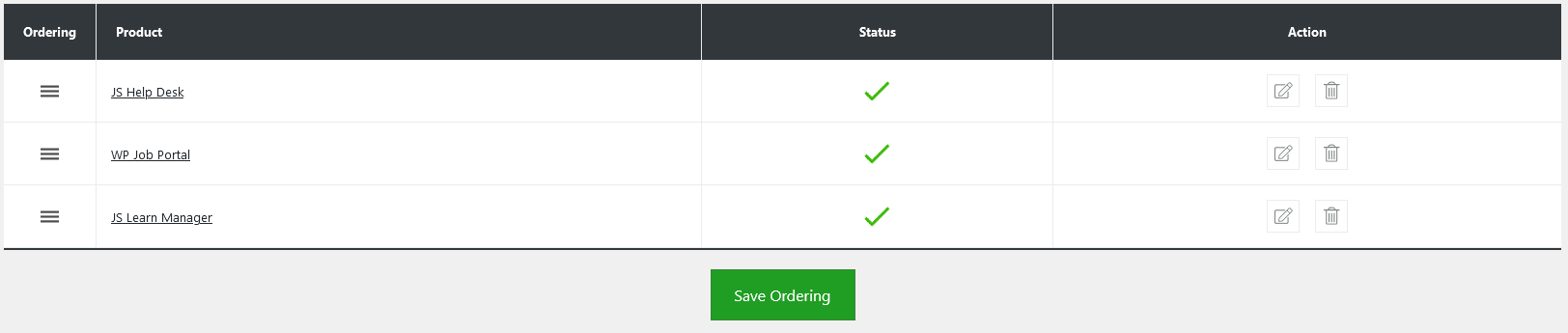
Admins also have control over the ordering of the products using drag-and-drop functionality via the handle icon in the Ordering column. Additionally, there’s an option to “Add Product” at the top right of the “Products” page.