
Translations In The JS Help Desk!
Translations
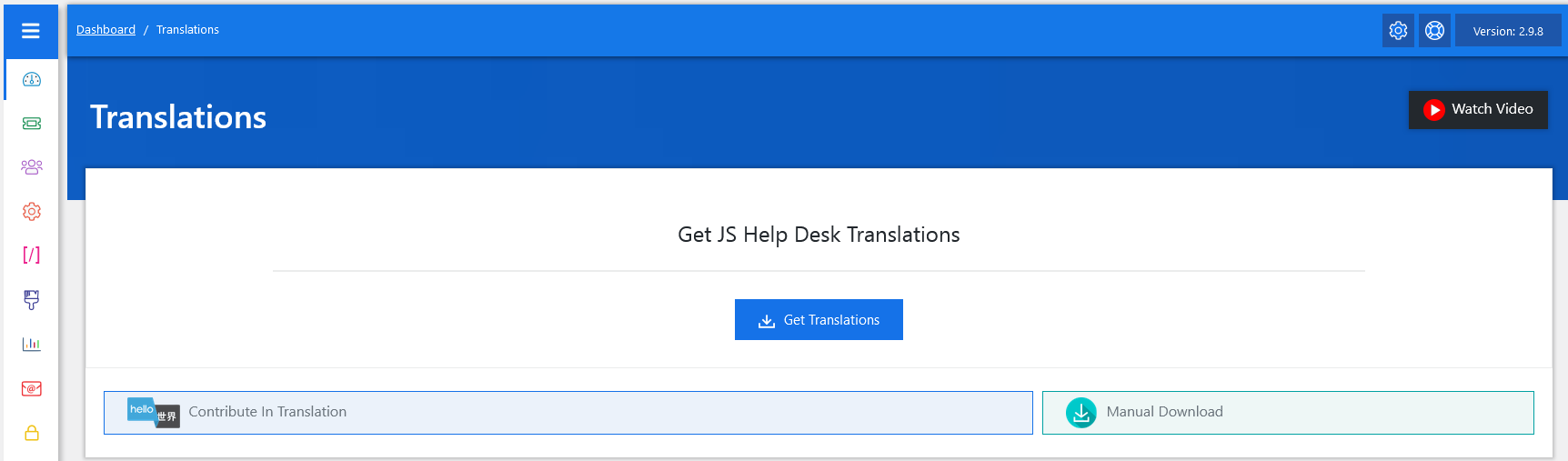
From your admin dashboard, navigate to Admin Dashboard > Dashboard Menu > Translations. This will take you to the translation page. The Translation feature in JS Help Desk allows you to run your help desk in multiple languages. This is especially important if your support system is used by a global audience. Instead of only showing text in English, you can translate all labels, buttons, and system messages into any language (e.g., Arabic, Spanish, French, etc.)
How To Translate The JS Help Desk
Please edit the language file.
Copy
../wp-content/plugins/js-support-ticket/languages/js-support-ticket-en_US.po
To
../wp-content/languages/plugin/js-support-ticket-en_US.po
Now edit this file (js-support-ticket-en_US.po).
Update the msgstr values
i.e
msgid “You are not allowed.”
msgstr “You are not allowed.”
Regenerate js-support-ticket-en_US.mo from any online tool
Download the .mo file from https://po2mo.net/
Rename the download .mo file to js-support-ticket-en_US.mo
Upload js-support-ticket-en_US.mo to ../wp-content/languages/plugin/
Also, upload js-support-ticket-en_US.po to ../wp-content/languages/plugin/