
Knowledge Base In The JS Help Desk!
Knowledge Base Detail
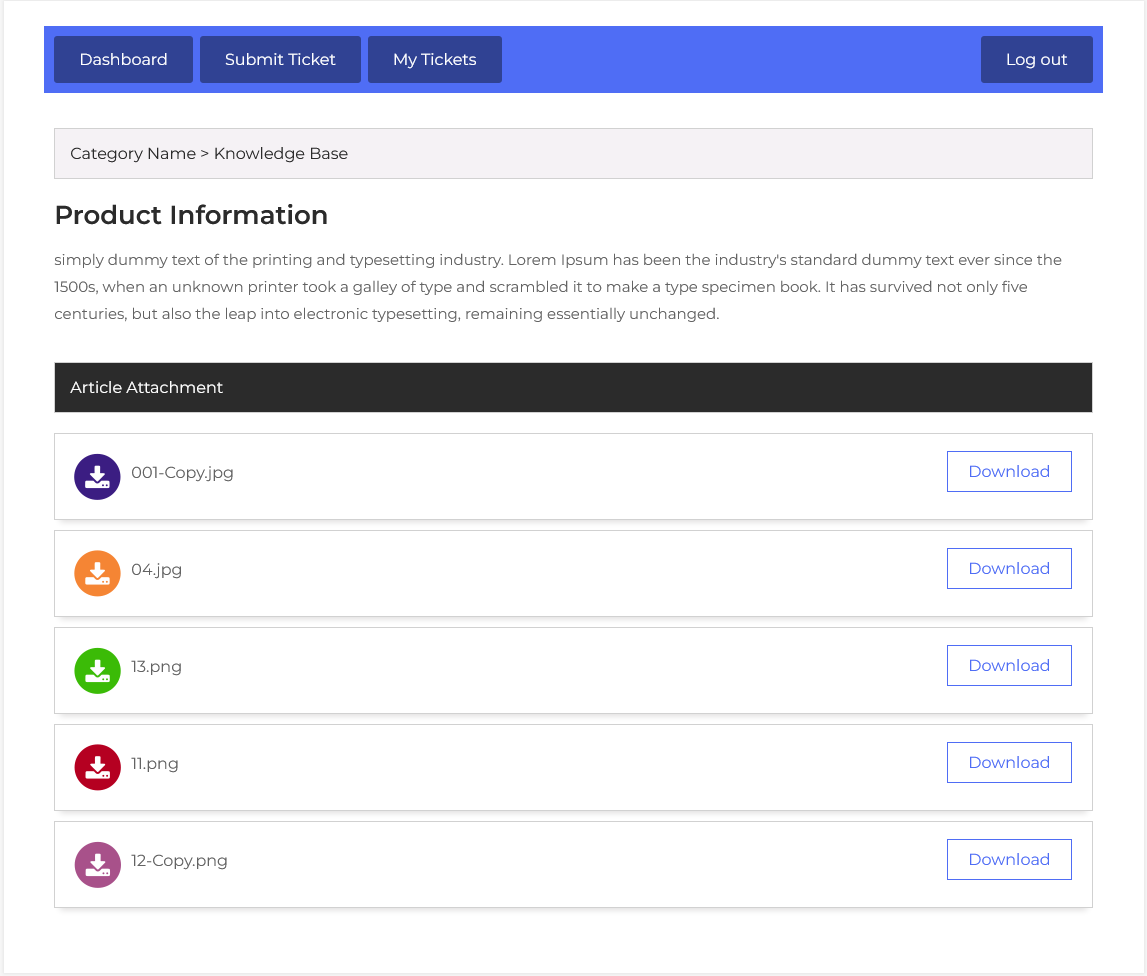
This page provides details about a knowledge base. All the attributes (Fields) of the knowledge base are shown here. When the agent clicks on a knowledge base title, the agent gets the details about that specific knowledge base.

When an agent clicks on a knowledge base article, they are redirected to the detailed view, where they can see the full content of the article. At the top, the category path (e.g., Category Name > Knowledge Base) is displayed, helping users understand the structure and organization of the knowledge base.

The main content area contains the article title and a rich description or explanation written by an admin or support agent.
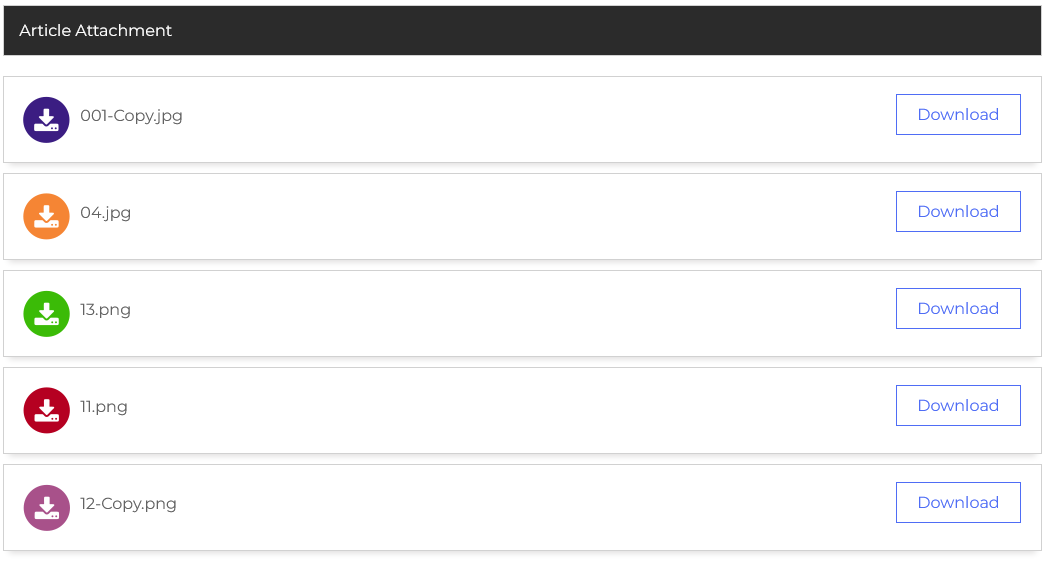
One of the key features in this section is the “Article Attachment” block. This allows agents to upload multiple files to the knowledge base entry. Each attachment is displayed in a visually distinct format, with file-type-based colored icons and a clear Download button, enhancing the user experience and making file access simple.