
User Reports In The JS Help Desk!
User Reports
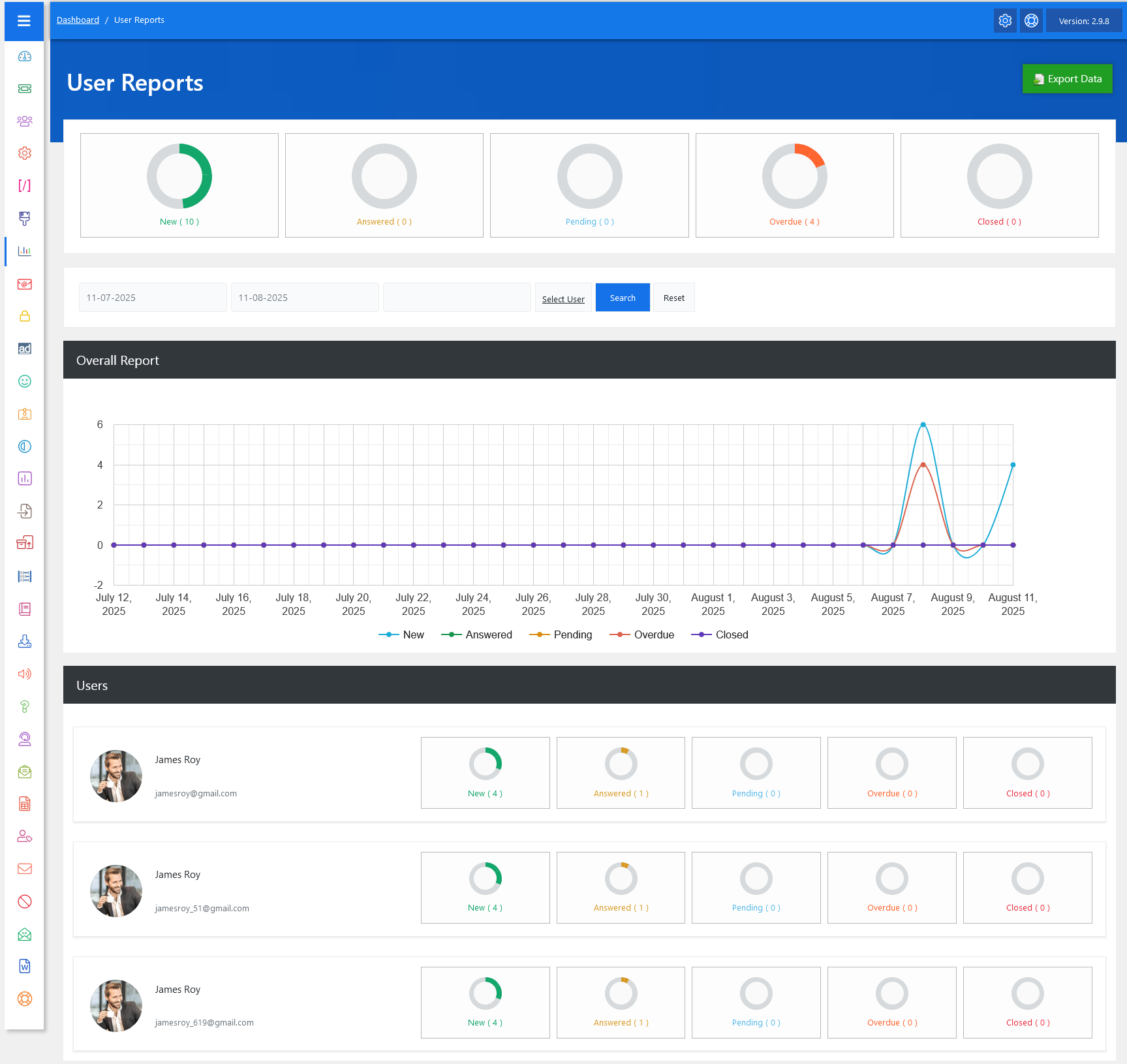
From your admin dashboard, navigate to Admin Dashboard > Dashboard Menu > User Reports. The User Reports feature in JS Help Desk is designed to give you a complete overview of ticket activities for individual users within your help desk system. This report helps administrators and managers monitor the performance, workload, and progress of users by displaying data in a clear and organized manner. The interface includes summary boxes, a detailed timeline chart, and individual user statistics to make it easy to interpret the information at a glance.
Top Rings

The top summary section gives you a glance at ticket counts by status, such as Open, Answered, Pending, Overdue, and Closed.
Search

The date filter allows you to focus on a specific time frame for your analysis. You can set a start and end date, and the report will update accordingly to show only tickets within that range. This is especially useful when reviewing performance for a particular month, week, or even a single day. For example, if you want to check how a user performed during the first week of August, simply set the date range from 01-08-2025 to 07-08-2025 and click Search to get tailored results.
Graph
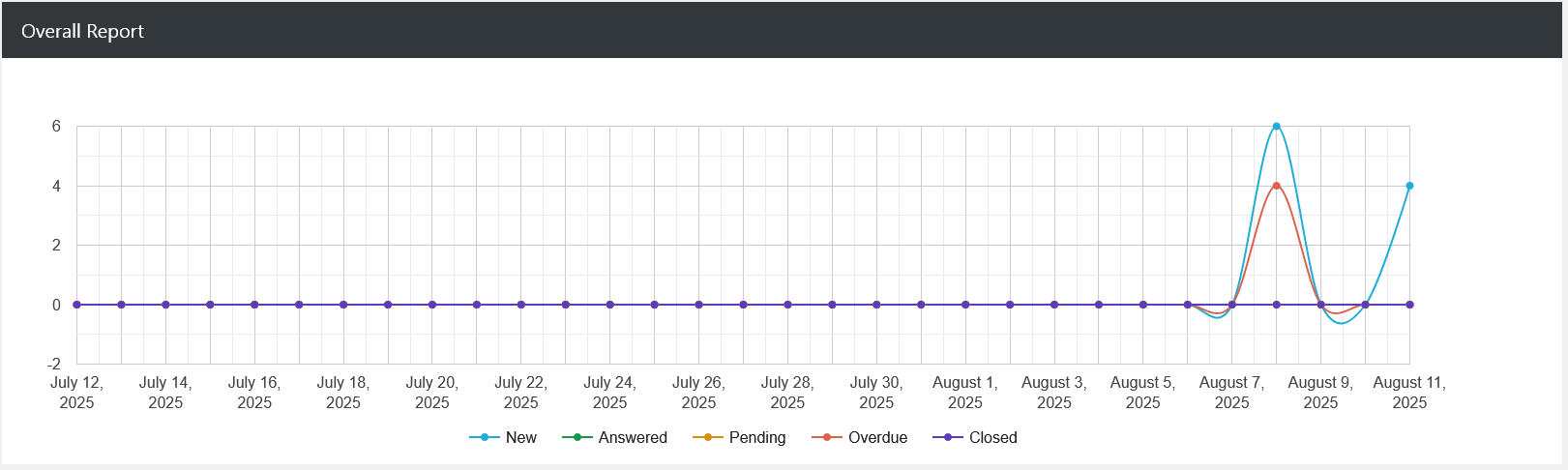
The Overall Report section includes a line chart that visualizes ticket trends over time. Each line represents a different status, like “New” in blue, “Answered” in orange, “Pending” in yellow, “Overdue” in red, and “Closed” in purple. By looking at the chart, you can easily identify activity spikes or drops.
Users
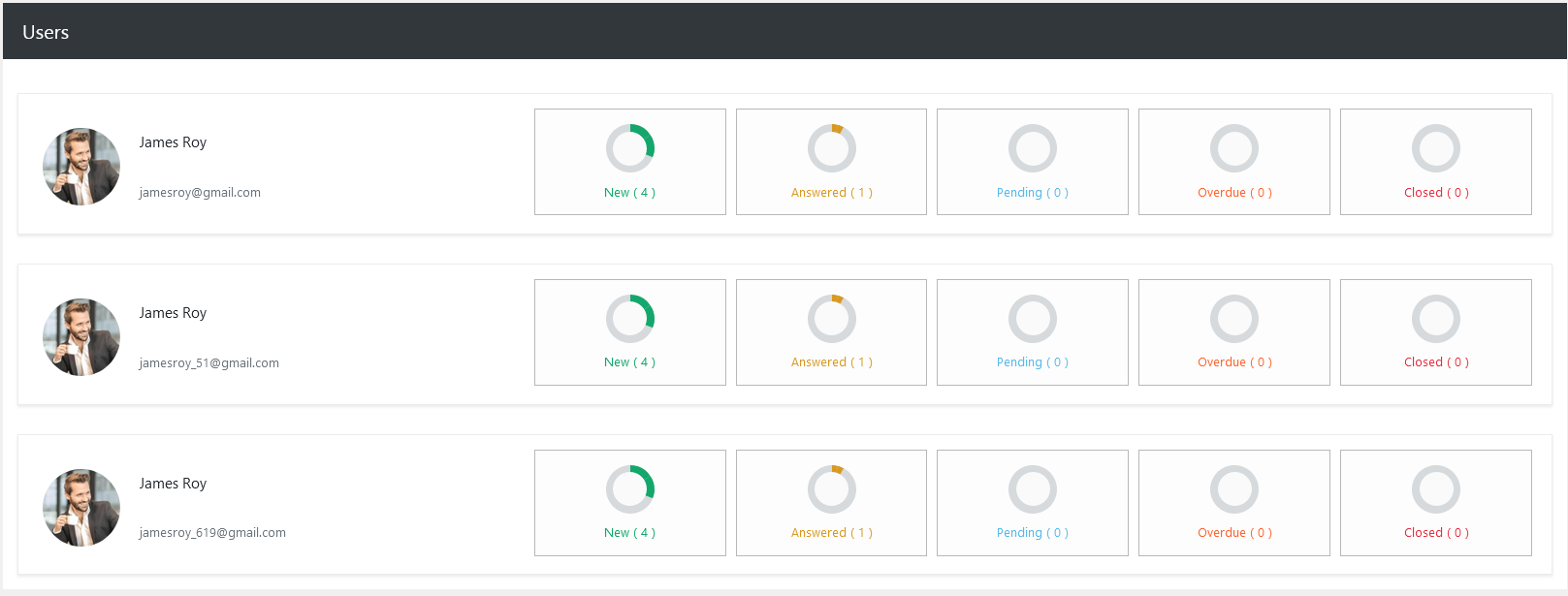
Below the graph, you will find the Users section, which lists each user along with their detailed ticket breakdown. Each user card displays their profile picture, name, email, and ticket statistics for the selected date range. The layout mirrors the top summary boxes, so you can compare users side by side.
Export Data
This feature also allows for exporting data using the Export Data button in the top-right corner. Exporting enables you to save the report in a shareable format, such as Excel, for record-keeping. This is particularly helpful for team meetings, where you can present performance metrics directly from the exported files.