
Agent Reports In The JS Help Desk!
Agent Report
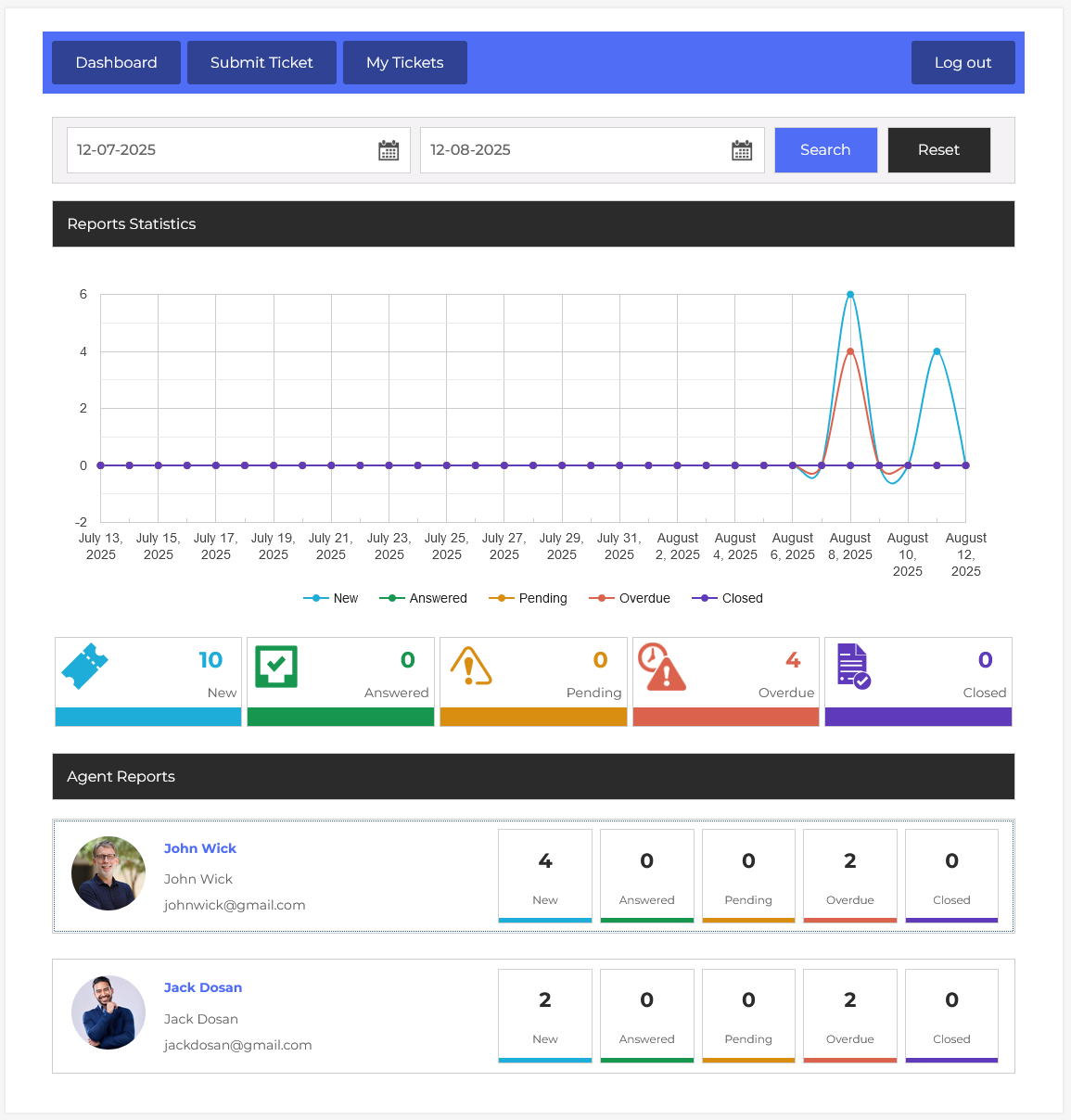
From your agent dashboard, navigate to Agent Dashboard > Dashboard Menu > Agent Reports. The Agent Reports feature in JS Help Desk provides a complete overview of your support agents’ performance, making it easier to track ticket progress, workload, and efficiency. This report compiles all key statistics in one place, enabling agents and managers to monitor the status of tickets assigned to each agent.
Search

You can filter reports by selecting a date range. This helps in generating time-bound reports, such as checking an agent’s performance for the current week or comparing it to last month. For instance, if you select dates from August 1 to August 8, the system will only display ticket activity for that agent within the specified dates. This ensures accurate and relevant performance tracking without unnecessary data clutter.
Graph
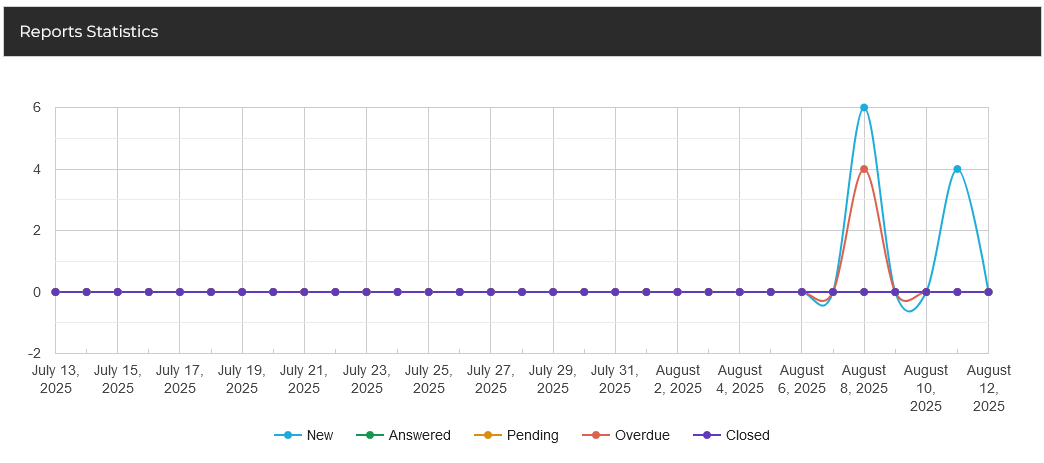
The Report Statistics section includes a line chart that visualizes ticket trends over time. Each line represents a different status, like “New” in blue, “Answered” in orange, “Pending” in yellow, “Overdue” in red, and “Closed” in purple. By looking at the chart, you can easily identify activity spikes or drops.
Ticket Count

The summary section gives you a glance at ticket counts by status, such as New, Answered, Pending, Overdue, and Closed.
Agents
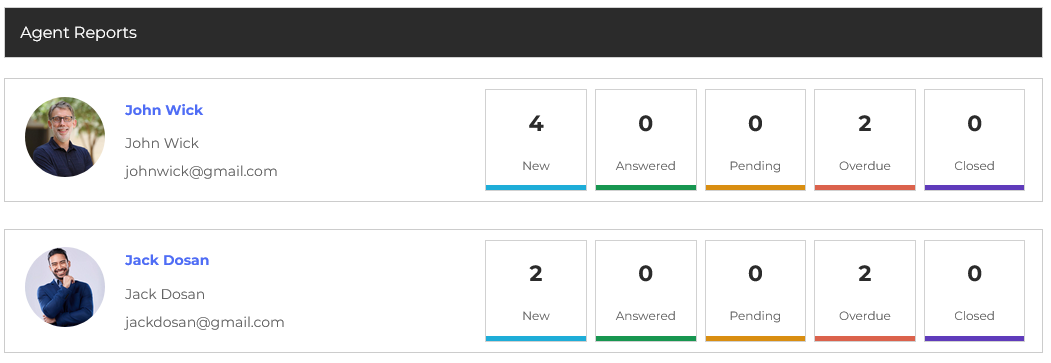
The Agents section provides a detailed breakdown for each support agent. You can see their profile picture, name, email, and the exact count of tickets in each category. This granular data helps agents assess who is managing their workload effectively and who might need assistance.