
Email Piping In The JS Help Desk!
Email Piping
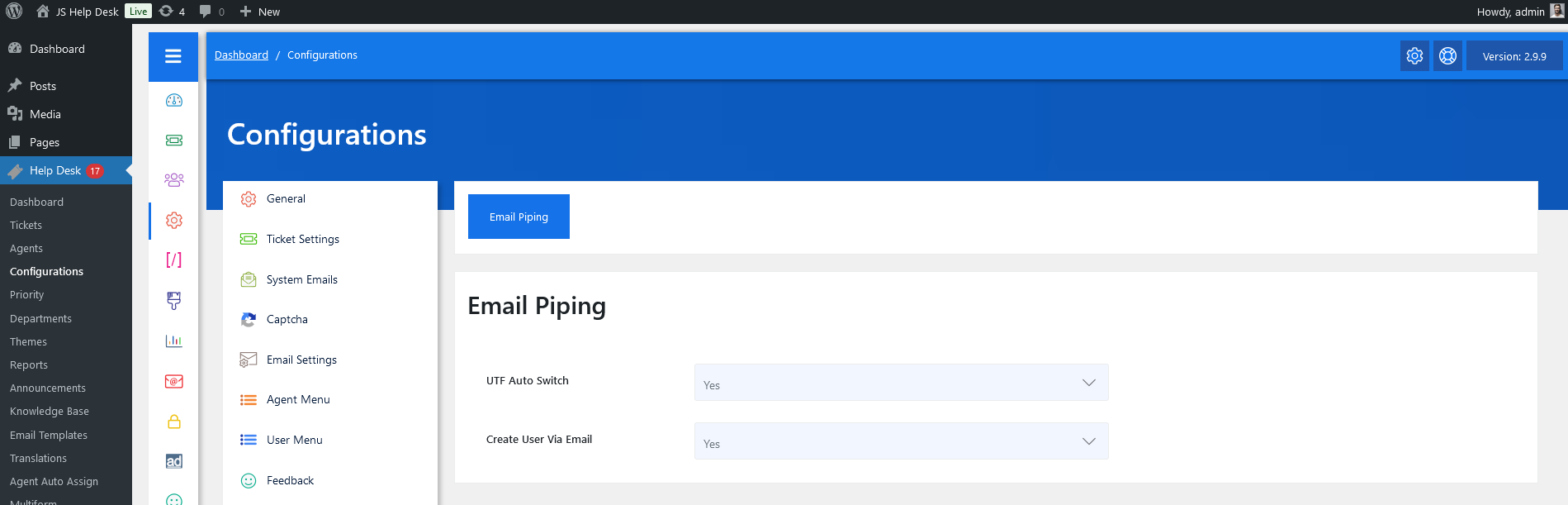
As an administrator, navigate to the Admin Dashboard > Dashboard Menu > Configurations > Email Piping. On the configurations page, you will find various configurations that the admin can use to manage the JS Help Desk.
Email Piping
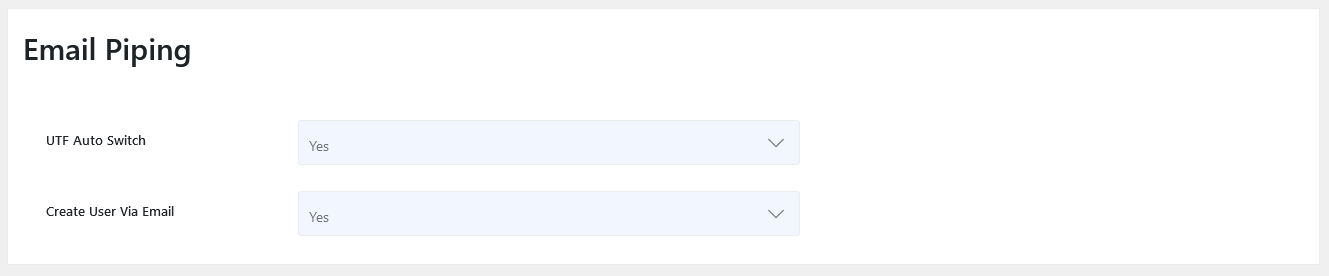
UTF Auto Switch
The UTF Auto Switch setting controls how the system handles email encoding. When enabled, it automatically detects and converts different text formats or special characters into the standard UTF encoding. This ensures that messages written in various languages or with special symbols appear correctly in the ticket view. For example, if a customer sends an email in Japanese or with accented letters (like “é” or “ñ”), enabling UTF Auto Switch ensures that these characters display properly instead of showing unreadable symbols.
Create User Via Email
The Create User Via Email option determines whether the system should automatically create a new user account when an email is received from an unknown address. Suppose this setting is set to “Yes,” JS Help Desk will register the sender as a new user and link their email to a new ticket. For example, if a customer who has never contacted your support before sends an email to support@yourdomain.com, the system will automatically generate a user profile for them and create a ticket under their name.