
Login & Register In The JS Help Desk!
Login
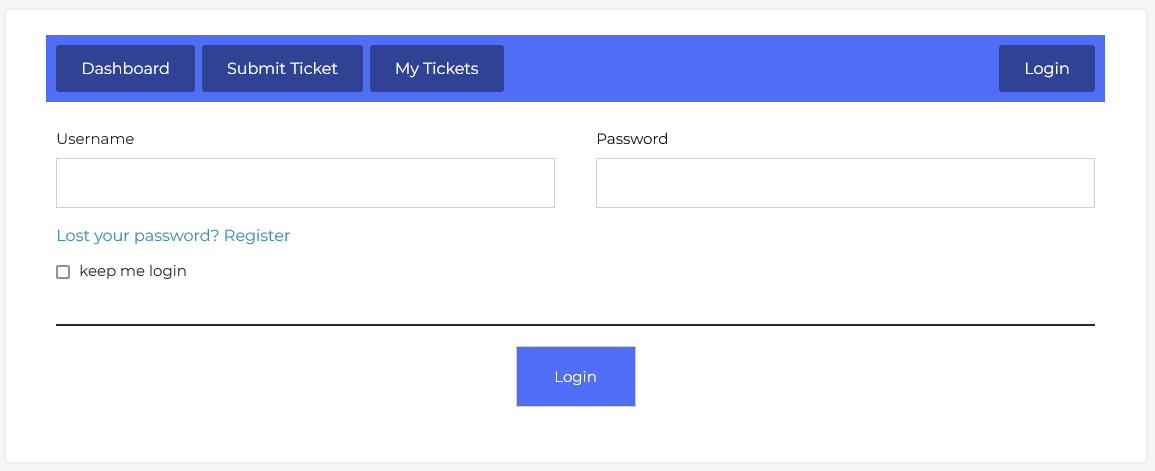
From your frontend dashboard, navigate to the Frontend Dashboard > Dashboard Menu > Login. JS Help Desk provides an interface for login and registration in JS Help Desk, so that the admin does not have to use any third-party plug-ins for these purposes.
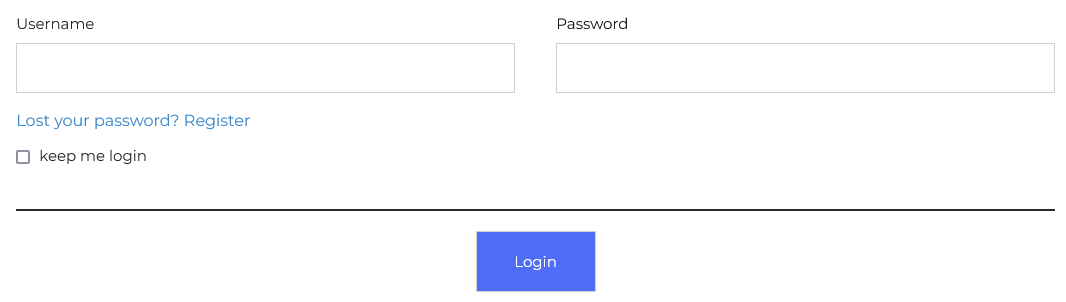
JS Help Desk provides an interface for user login so that users can log in to JS Help Desk without leaving the site (no third-party plug-in). There are fields for login using WordPress, username, and password. If the user wants to log in using his WordPress credentials, he must fill in the username and password fields correctly and click on the login button. If the username and password provided are valid, that user will be successfully logged in.
Register
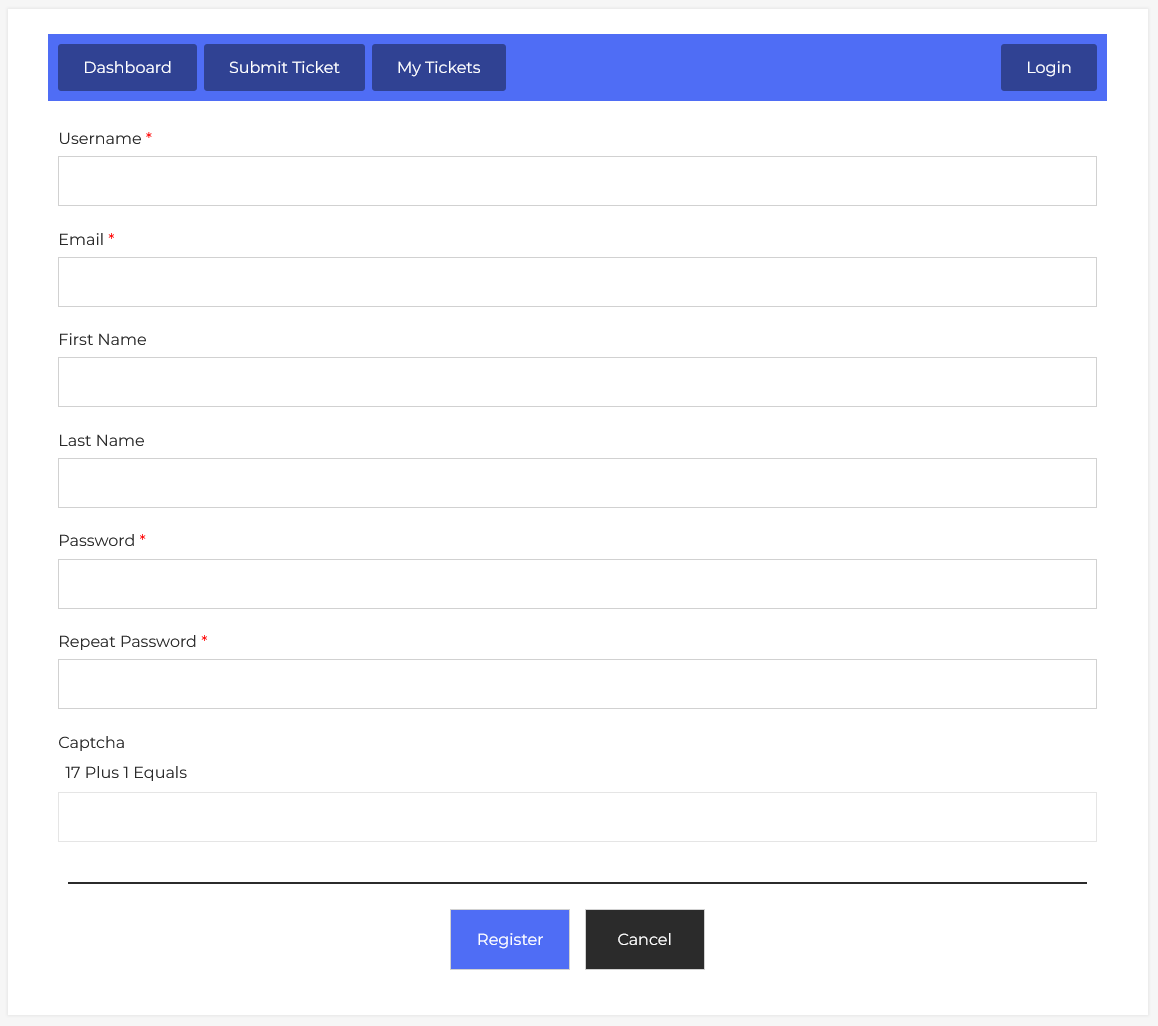
From your frontend dashboard, navigate to the Frontend Dashboard > Dashboard Menu > Register. There is a WordPress option for whether anyone can register from the front end or not. If it is disabled, then the registration page is not available.
To allow user registration in WP Admin, WP Menu > Settings > General> Membership: Anyone can register.
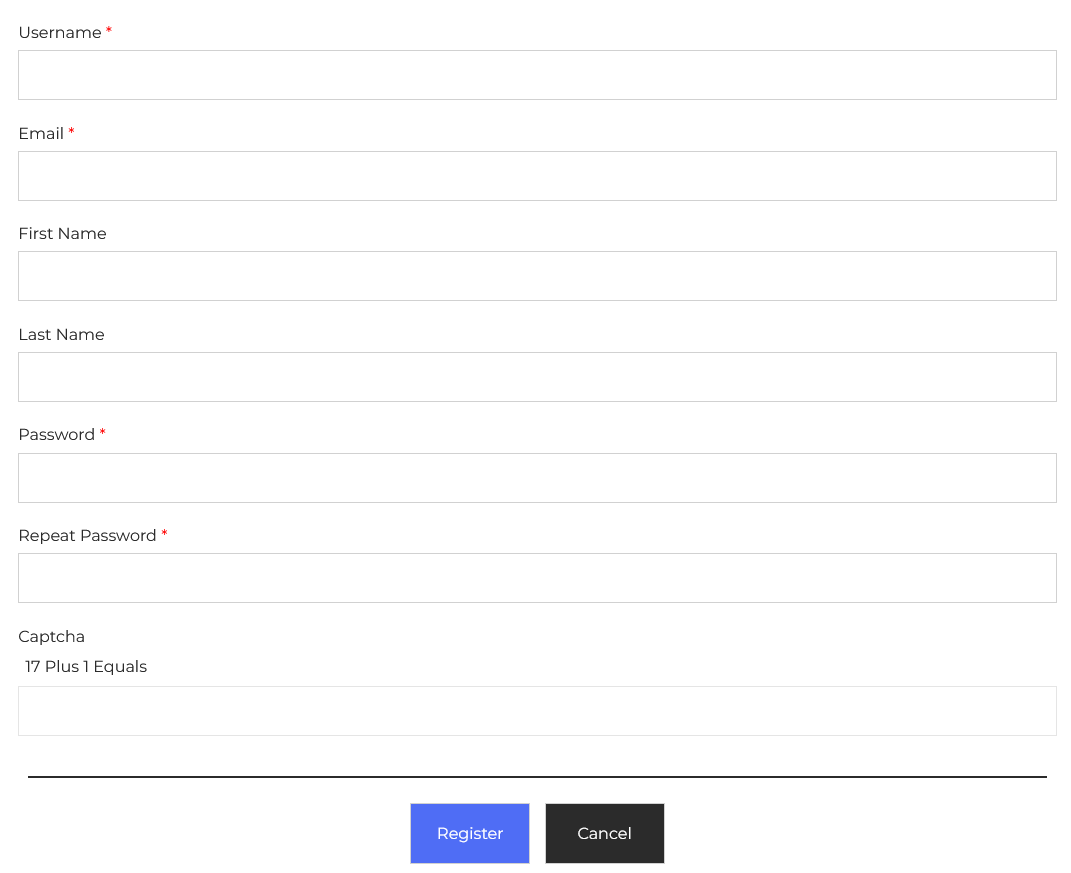
JS Help Desk provides an interface for user registration so that users can register for JS Help Desk without leaving the site (no third-party plug-in).
This portion has fields that are to be used to fill in details for JS Help Desk registration. The fields are:
User Name: This will be the user name of the new user.
Email: This will be the email address of the new user.
First Name: This will be the first name of the new user.
Last Name: This will be the last name of the new user.
Password: This will be the password.
Repeat Password: Password confirmation.
Captcha: (to avoid spamming).
This portion has a ‘register’ button. After filling all the fields, a single click on this button will create a new user in WordPress and JS Help Desk simultaneously.