
What can we help you with?
Private Credentials In The JS Help Desk!
Private Credentials
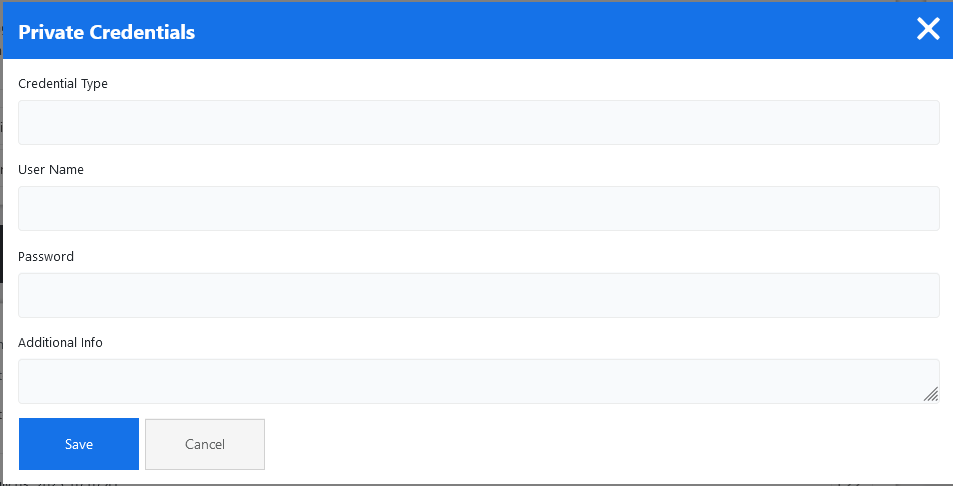
The Private Credentials feature in your help desk plugin allows the admin to securely share sensitive information, such as passwords or login details, without exposing them in public replies. This feature ensures that confidential data is kept secure and only visible to authorized personnel. For example, if a customer is facing issues accessing a premium tool and needs to share their login credentials, they can submit them using the private credentials field instead of typing them into the regular message box.
When the admin clicks on the private credentials button, a pop-up will appear on the screen. Fill the fields and click on the save button. Your credentials have been successfully saved.
- Credentials Type: Enter the credentials type in the text field.
- Username: Enter the username.
- Password: Enter the password.
- Additional Information: Enter the additional information related to the credentials.