
General Settings In The JS Help Desk!
General Settings
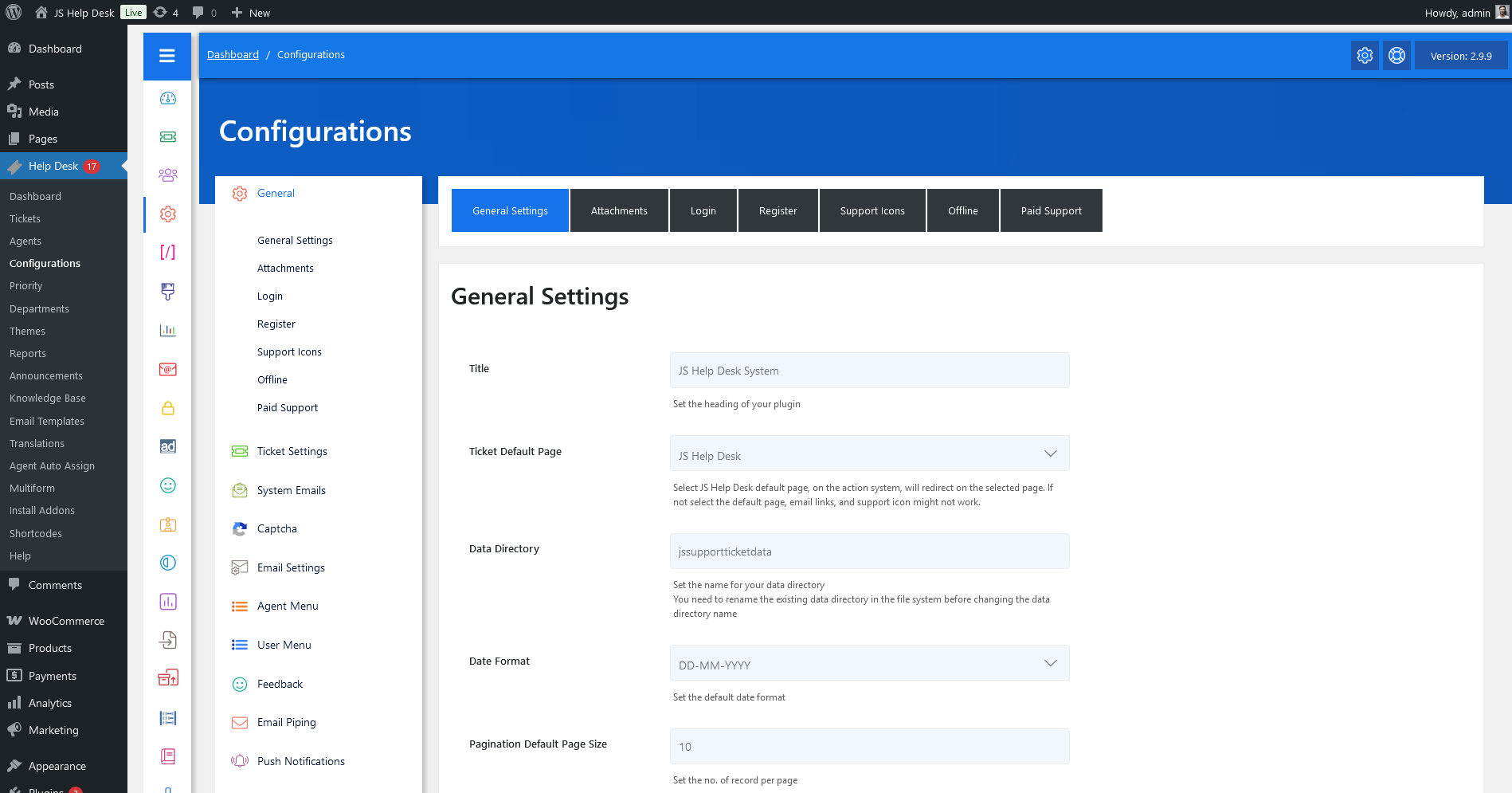
As an administrator, navigate to the Admin Dashboard > Dashboard Menu > Configurations > General Settings. On the configurations page, you will find various configurations that the admin can use to manage the JS Help Desk. This page has all the general configurations on the JS Help Desk. Anything that affects both the user side and the agent side is listed here.
General Settings
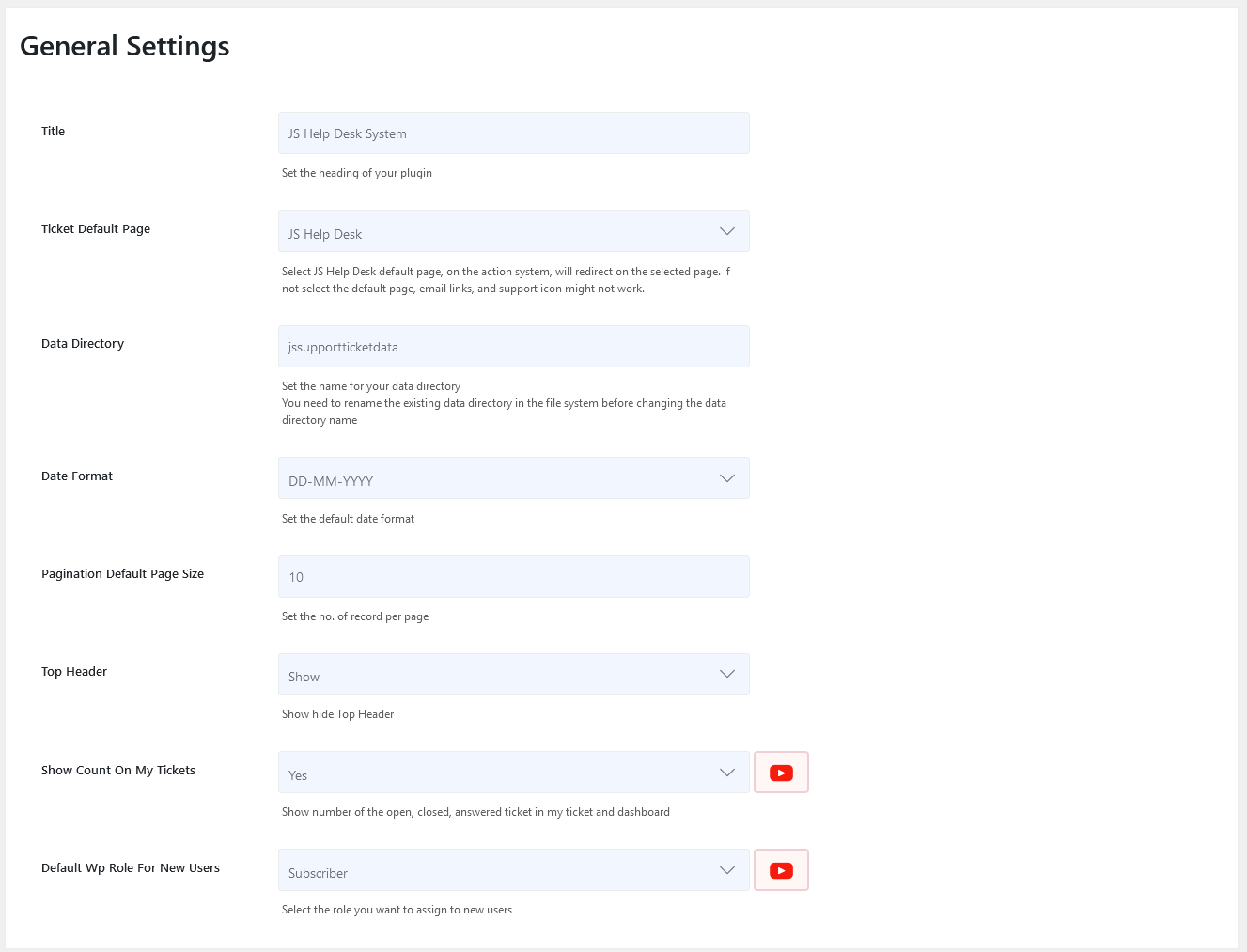
Title
This will be your site title.
Ticket Default Page
Select the JS Help Desk default page, and the action system will redirect to the selected page. If you do not select the default page, email links and the support icon might not work.
Data Directory
Set the name for your data directory. You need to rename the existing data directory in the file system before changing the data directory name. This will be the name of the folder where the system will store all user-uploaded files.
Date Format
The date format that will be applied to the whole plug-in. Every visible date will be in the selected format.
Pagination Default Page Size
Configuration controls the number of records displayed on a single page. This configuration affects both the front end and admin.
Top Header
This configuration controls whether to show the top header on the page or not.
Show Count on My Tickets
This configuration controls whether to display the number of open, closed, and answered tickets on my ticket and dashboard.
Default WP Role For New Users
This configuration controls which WordPress role will be assigned to new users who register as users from the front end (using WP Help Desk registration).
Attachments
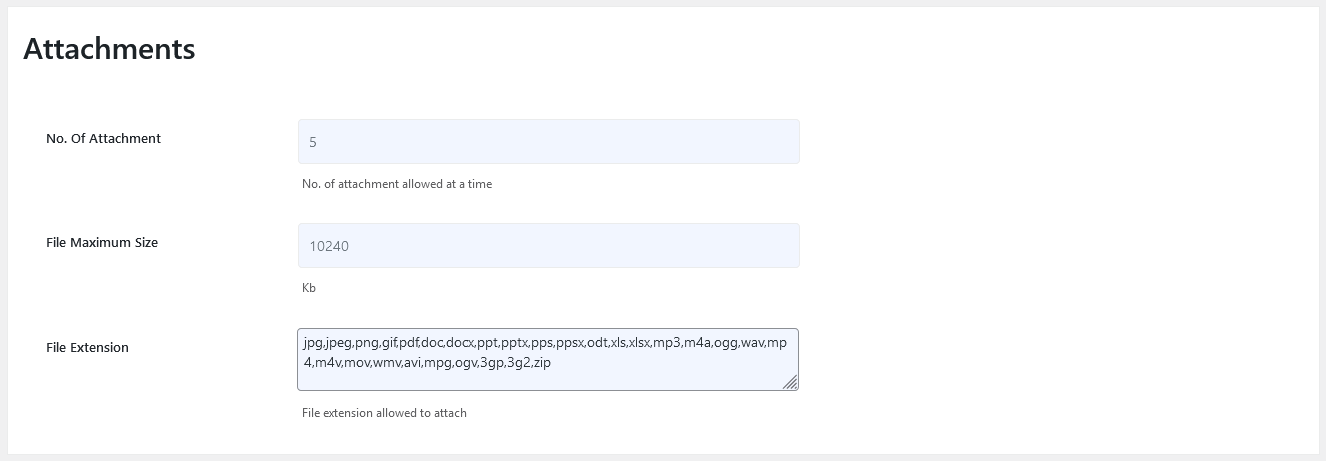
No. Of Attachment
This configuration controls the number of attachments allowed at a time that can be attached to a ticket.
File Maximum Size
This configuration controls the maximum size allowed for a file; if the file size exceeds the maximum file size system will not upload that file.
File Extension
List of file extensions that users can upload (jpg, jpeg, png, gif, pdf, doc,docx, ppt, pptx, pps, ppsx, odt, xls, xlsx, mp3, m4a, ogg, wav, mp4, m4v, mov, wmv, avi, mpg, ogv, 3gp,3g2, zip).
Login

Set Login Link
This configuration controls the setting of the Login Link Default or Custom.
Register

Set register Link
This configuration controls the setting of the Register Link Default or Custom.
Support Icons

Support Icon
This configuration controls the visibility of the support icon.
Custom Image
The Custom Image feature in JS Help Desk allows you to personalize the support icon by adding your own logos or icons.
Custom Text
The Custom Text feature in JS Help Desk allows you to personalize the label or text that appears alongside your help desk’s floating support icon or button.
Support Icon Position
This configuration controls the position of the support icon.
Offline

Offline
This configuration controls whether your plugin is set to Online/Offline for the front end.
Offline Message
The Offline Message feature in JS Help Desk allows you to display a custom message to users when your plugin is offline or unavailable.
Paid Support
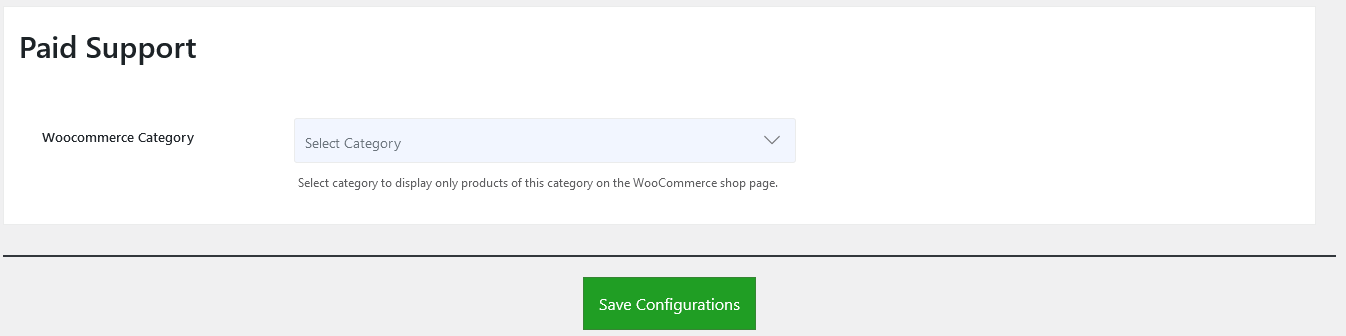
WooCommerce Category
Select a category to display only products of this category on the WooCommerce shop page.