
Multi-Language Email Templates In The JS Help Desk!
Multi-Language Email templates
How To Install Language
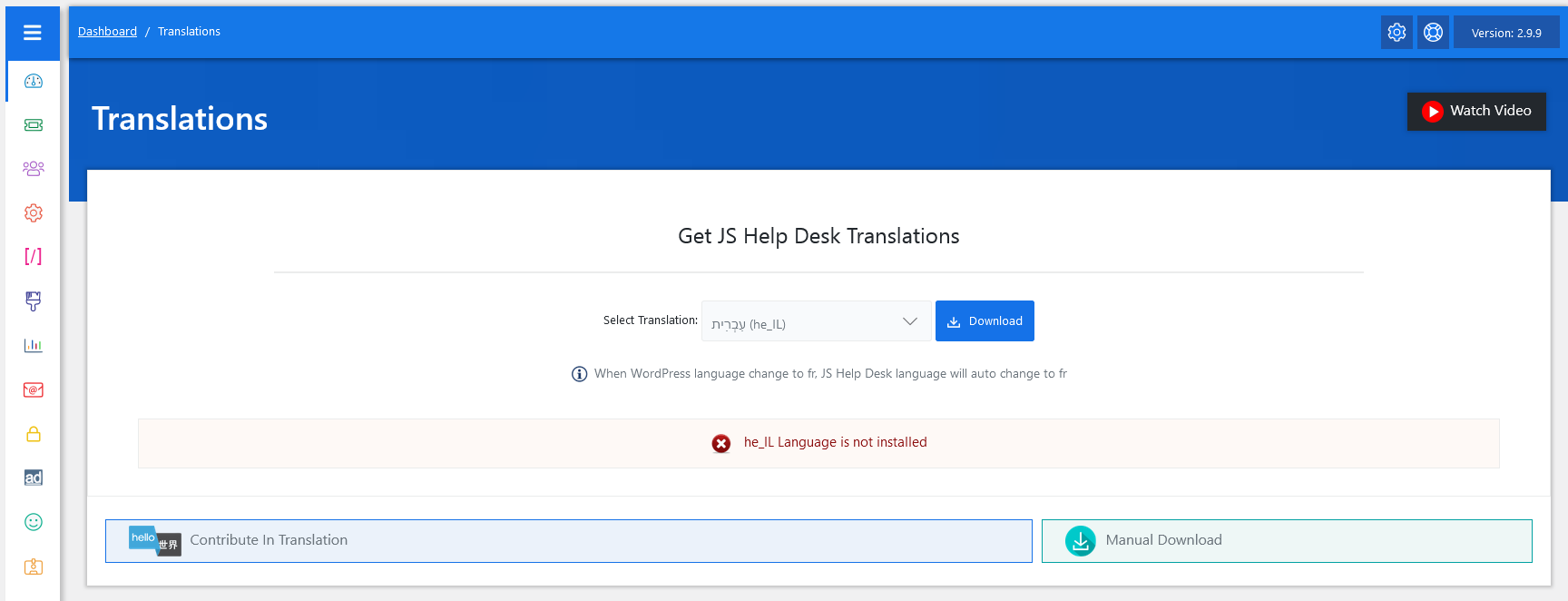
From your admin dashboard, navigate to Admin Dashboard > Dashboard Menu > Translations. This will take you to the translation page. The Translation feature in JS Help Desk allows you to run your help desk in multiple languages. This is especially important if your support system is used by a global audience. Instead of only showing text in English, you can translate all labels, buttons, and system messages into any language (e.g., Arabic, Spanish, French, etc.). Select your desired language from the drop-down list that you want to install. When you select a language, you see this message: “Language Not Installed”.
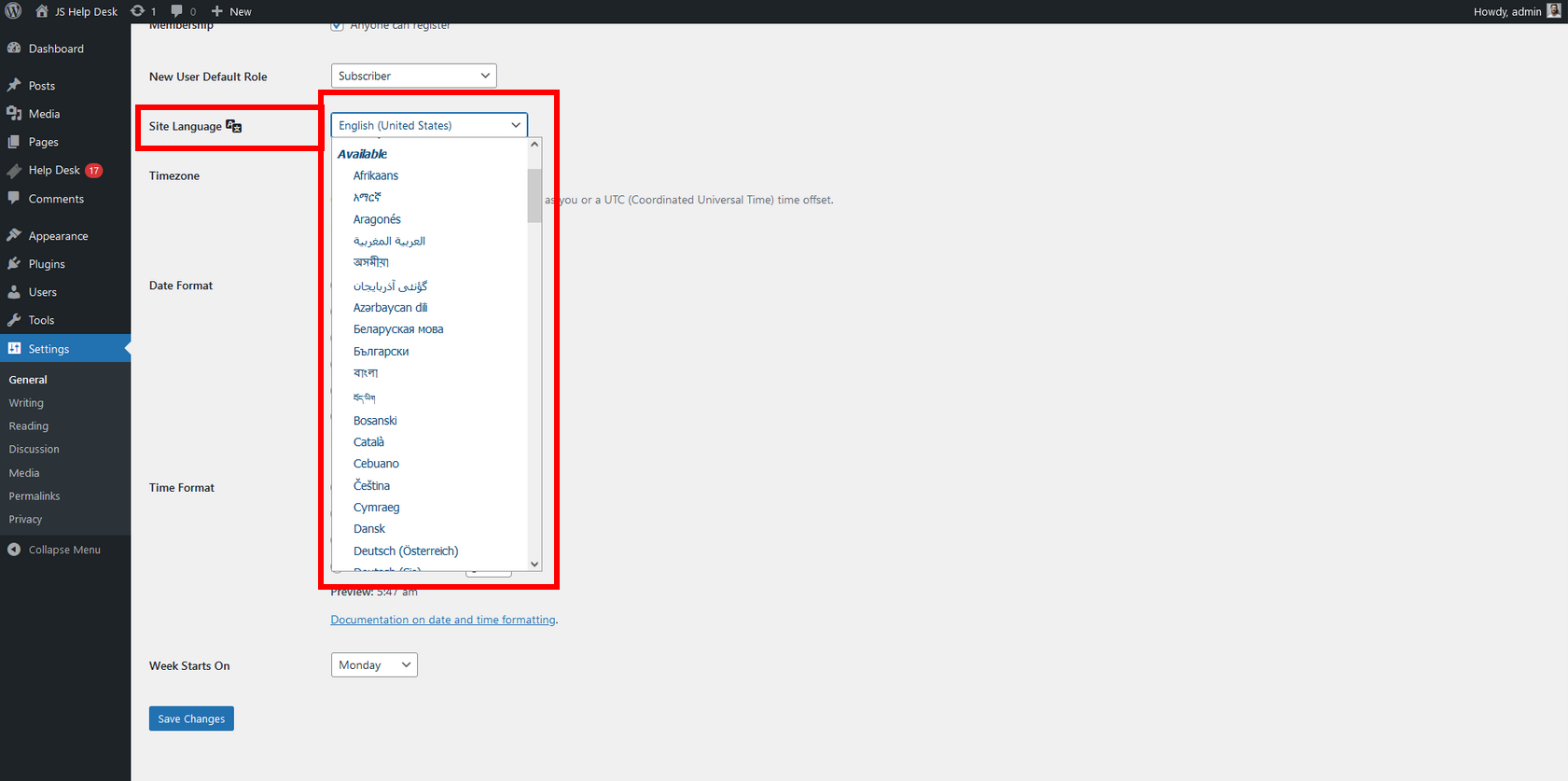
From your admin dashboard, navigate to Admin Dashboard > WordPress Menu > Settings. Select your desired language from the drop-down list and click on the Save Changes button.
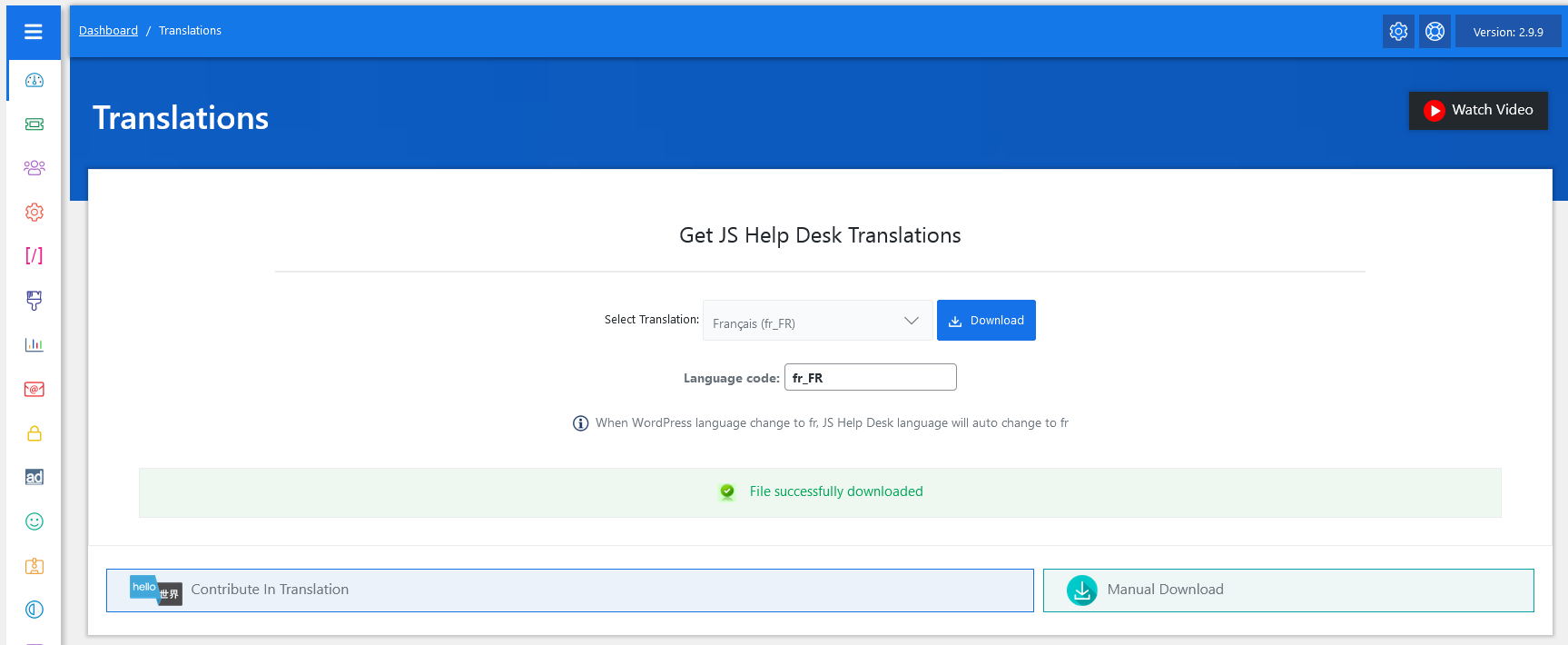
Select a language from the drop-down list and click on the download button. Your language has been successfully installed.
After Installing Multiple Languages
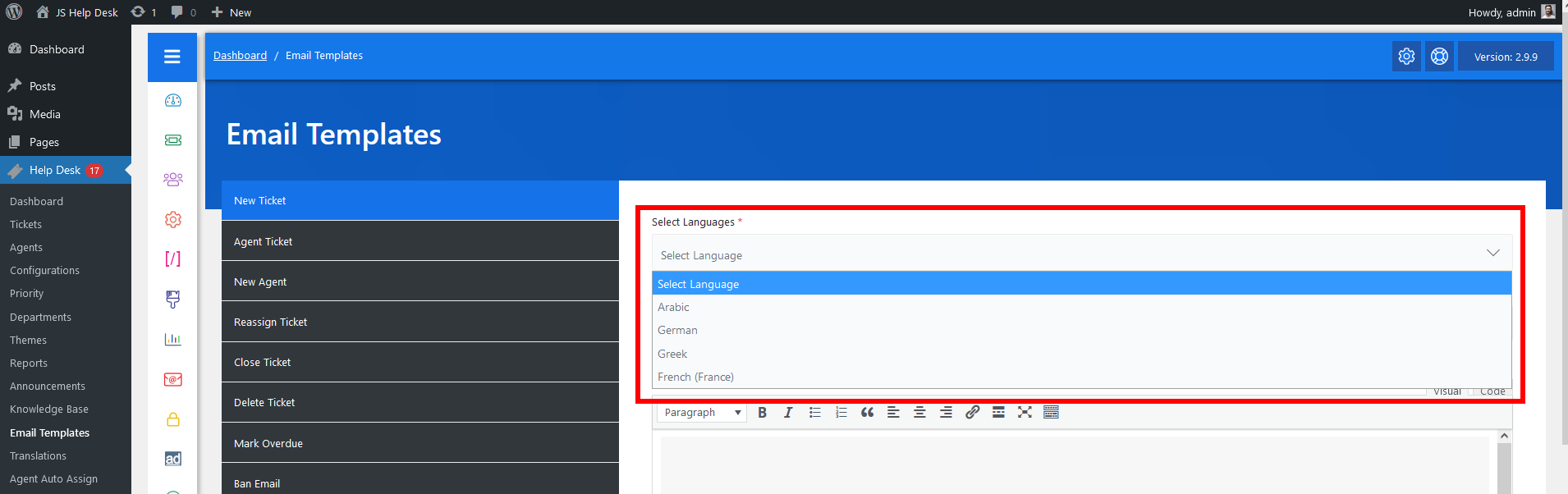
Another powerful aspect is the multi-language support. You can select a language from the drop-down list and create localized templates for users in different regions. For example, you might prepare one version of the “New Ticket” template in English and another in Spanish. When a Spanish-speaking user submits a ticket, they will automatically receive the notification in their preferred language. This helps build trust and improve communication across diverse user bases. Select a language from the drop-down list and click on the Save Email Template button.
Set User Language
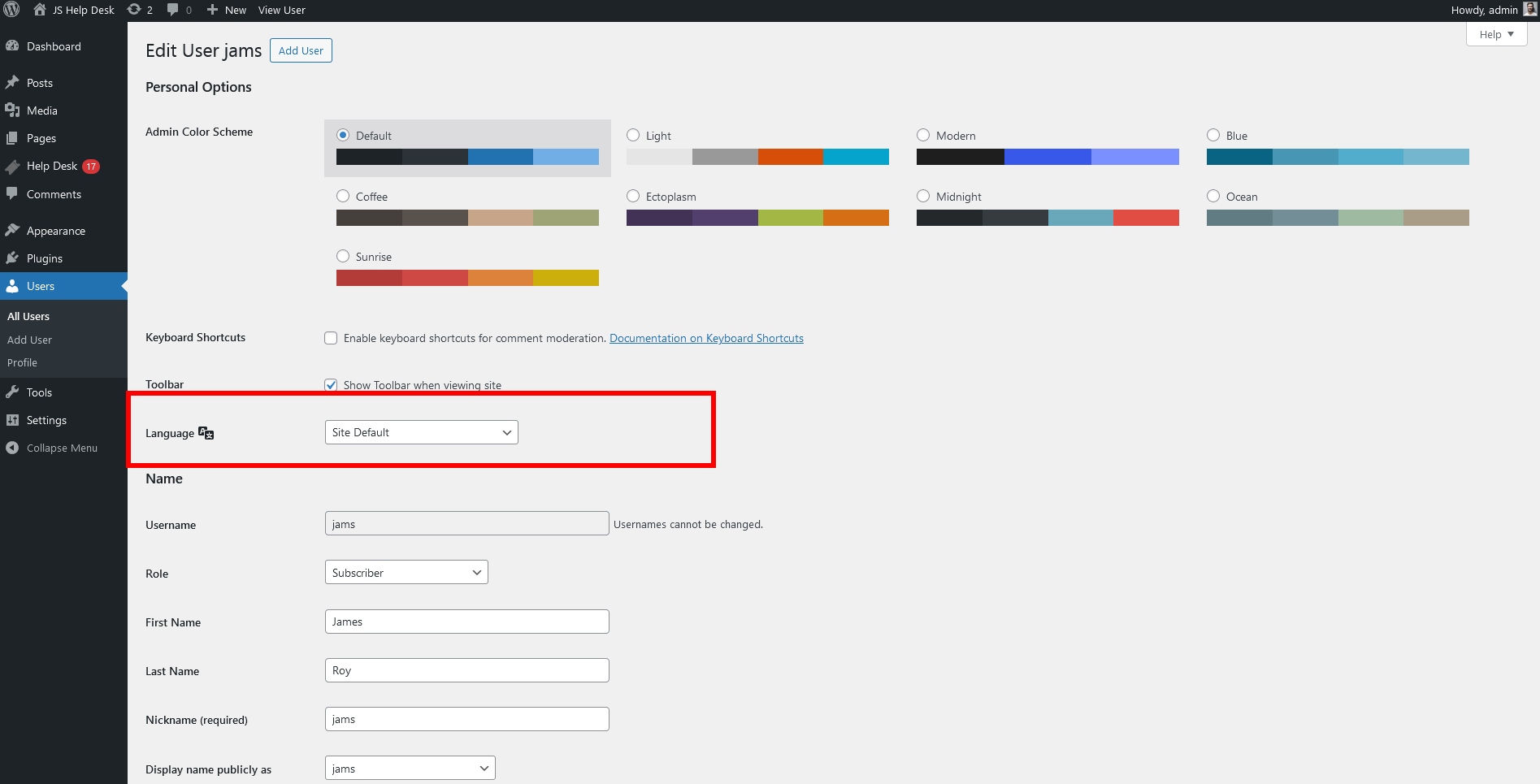
From your admin dashboard, navigate to Admin Dashboard > WordPress Menu > Users. This will take you to the user’s page and open the user in edit mode. Select your desired language from the drop-down list and click on the update user button.
User Email
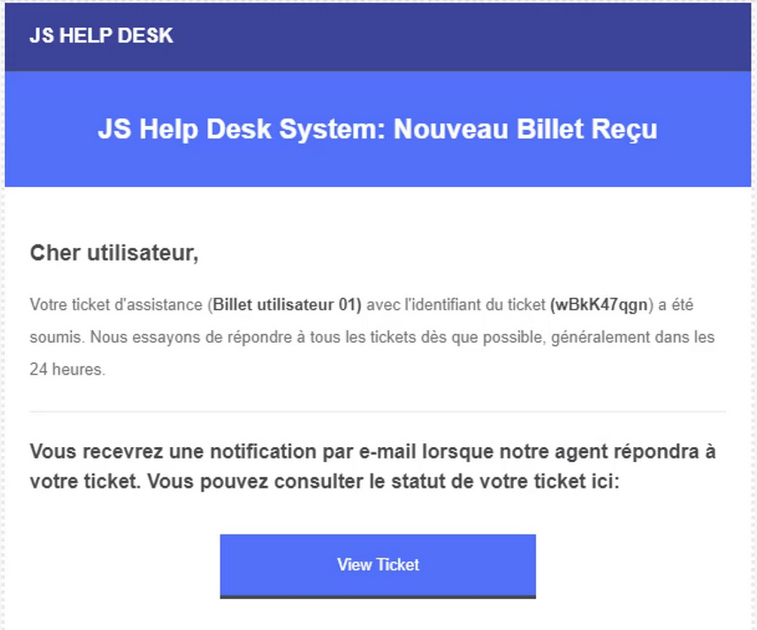
The system automatically sends the correct version of the email based on the customer’s chosen language or site language preference.